- Mark as New
- Bookmark
- Subscribe
- Mute
- Subscribe to RSS Feed
- Permalink
- Report
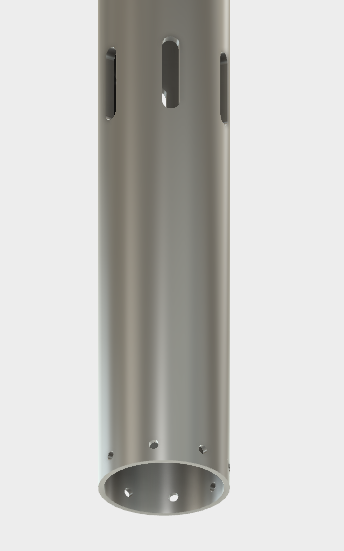
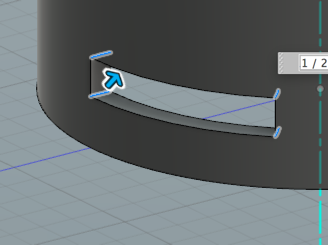
I'm a bit stuck on how to create geometry on a cylindrical surface with the end goal being to have multiple slots following a circumferential path around the surface of a tube, and through the thickness of the wall. I had thought that punching a hole through the tube wall would lead me to some path such that the hole could be swept or revolved around the tube axis, but that doesn't seem possible. The "Slot" option in sketch can't be used since the surface isn't flat (at least I don't know how if that is possible). I created a couple of construction planes tangent to the holes I have in the model, with the idea of removing the material in the selected areas between hole pairs, but that doesn't seem to work either. I'm likely missing something in that case in terms of command sequence.
Anyone out there with a suggestion or solution? Thanks --
Solved! Go to Solution.