Message 1 of 4
How to Transform Selected Content on Multiple Layers on Mobile Version

Not applicable
01-10-2018
07:29 PM
- Mark as New
- Bookmark
- Subscribe
- Mute
- Subscribe to RSS Feed
- Permalink
- Report
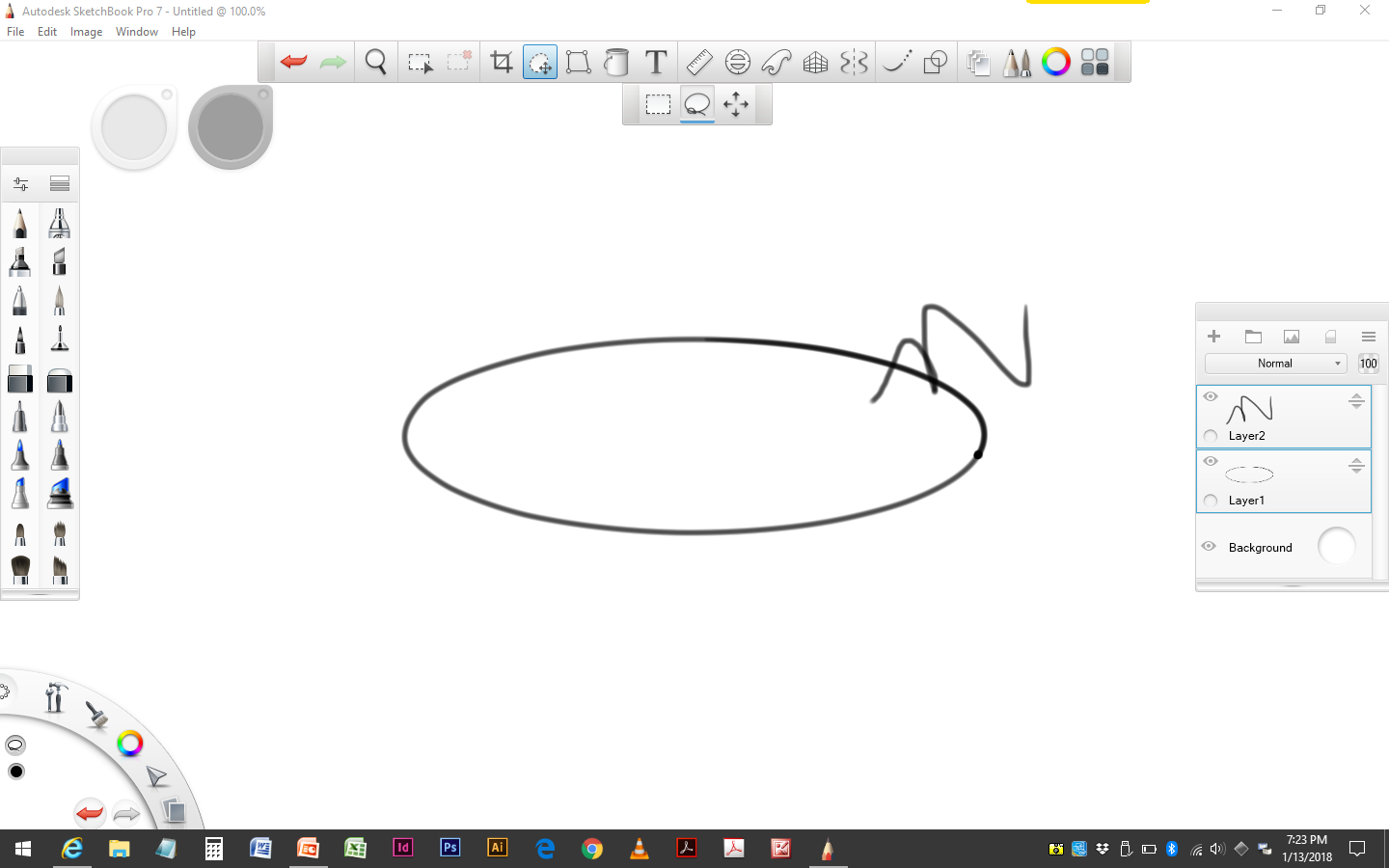
I use a WIndows 10 tablet and SBP 7. I am trying to transform selected content on multiple layers (SHIFT+selected). After I SHIFT+SELECT the layers and marquee the content from both layers, the transform tool won't work. I just see a black circle with a line through it.
This is very inconvenient as I have content aligned with each other on multiple layers, and then I have to use a workaround like duplicating the layers and then merging them, and then finally transforming them (usually trying to scale).
I tried this also on my desktop version, but it wouldn't work. Yet, when I read the directions, it should...
https://www.sketchbook.com/help/knowledge-base/how-use-transforms/
"Transforming content on one or more layers"
Please help. Thanks.
Reply
Reply