Still video card problems

Still video card problems

StefanoPasquini6790
Advisor Advisor
486 Views
4 Replies
Message 1 of 5

Still video card problems

StefanoPasquini6790
Advisor
Advisor

Hi everyone,


this post is related to unresolved problems with workstation video card with ARSA 2016. I have to let you know that this problems it never happened in previous versions of Robot.


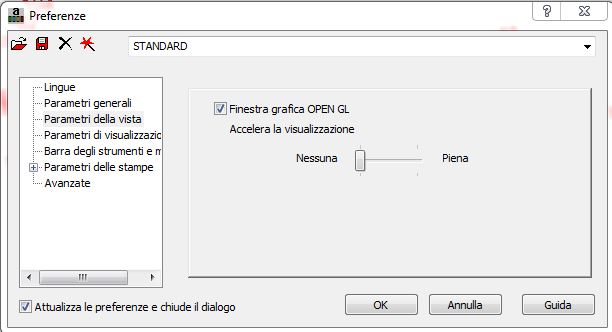
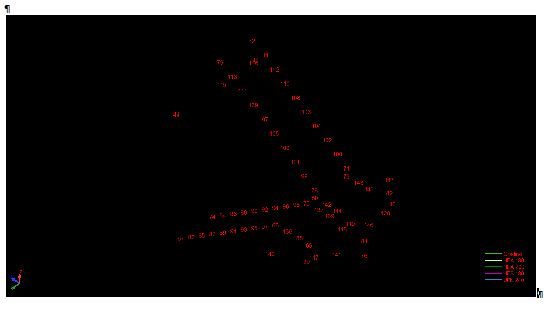
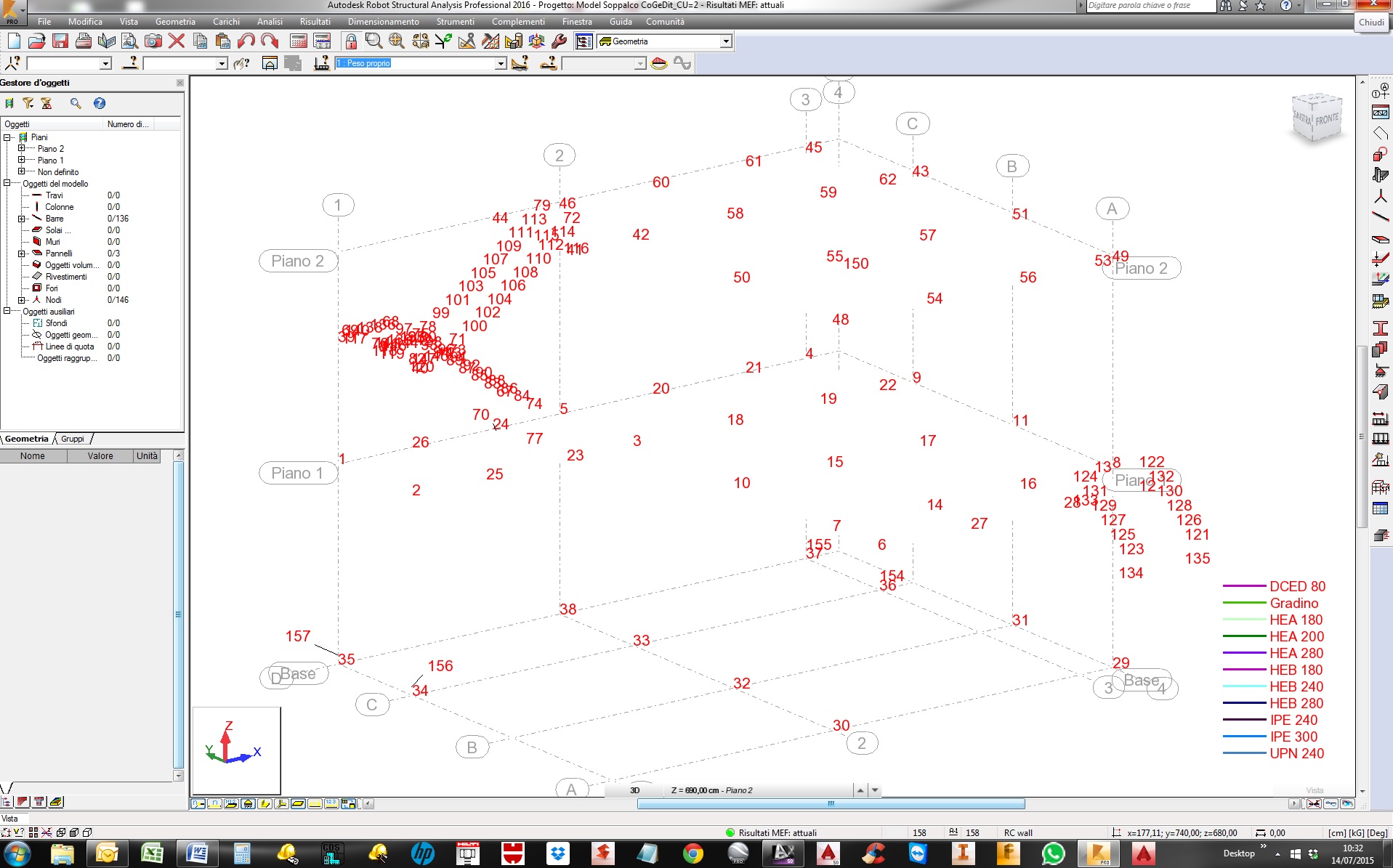
The following screenshots show the problems. I attach also the model to make a deep investigation in this issue. 


I have often ARSA crash, it can be related to a double monitor???


My video card is a NVidia Quadro FX1800.
 

img1.jpg


settings.JPG

Screenshot.JPG


PasProStudio

www.pasquiniprogetti.eu

Structural + Detailing engineers
0 Likes
Accepted solutions (1)
487 Views
4 Replies
Replies (4)
Message 2 of 5

Artur.Kosakowski
Autodesk Support
Autodesk Support

Have you sent any crash report? If yes, what was the email address you entered?


We are working on 2 monitors too with no such issues. 


Artur Kosakowski
0 Likes
Message 3 of 5

StefanoPasquini6790
Advisor
Advisor

Hi Artur,


the email address was stefano@pasquiniprogetti.eu, but I didn't sent the report on each crash.


Cheers


PasProStudio

www.pasquiniprogetti.eu

Structural + Detailing engineers
0 Likes
Message 4 of 5

legar
Advocate
Advocate

Hi,


I can confirm periodical black display during printout composition bug and almost always very, very slow selection bug eg. during selection bars and node for steel joint design.

Sometimes I have to wait few seconds after mouse operation to see if something was selected or not.

This bug is related to version 2016!!! - I don't know what was made in software programming code but it should be repaired ASAP.

Actually... for new projects I am returning to version 2015 and waiting for bug repair.


BTW

Video card is NVIDIA Quadro FX3600M...


Jerzy

0 Likes
Message 5 of 5

StefanoPasquini6790
Advisor
Advisor
Accepted solution

Hi,


I tried to do the settings in regedit as you suggested:


For the black screen I'd like to ask you to set as false (instead of true) the following registry:

HKEY_CURRENT_USER\Software\Autodesk\Structural\RSAPRO\<ver>\Viewer:

  • Glow-Enable
  • Fonts-ShadowEnable
  • MSAA-Enable

And now I can't tell you if this it works.


My "home made" solution to this problem is:


1) for black screen capture, if I play with the resolution of the image I can find the one that paste the correct image. I don't find the real rule, is only an iterative dirty method.....but it works;


2) for crashes I've installed the undated driver of my videocard but, unfortunately, I lost the graphic acceleration in ACAD and ASD, so this is not a perfect solution.


whaiting for patch, cheers


PasProStudio

www.pasquiniprogetti.eu

Structural + Detailing engineers
0 Likes