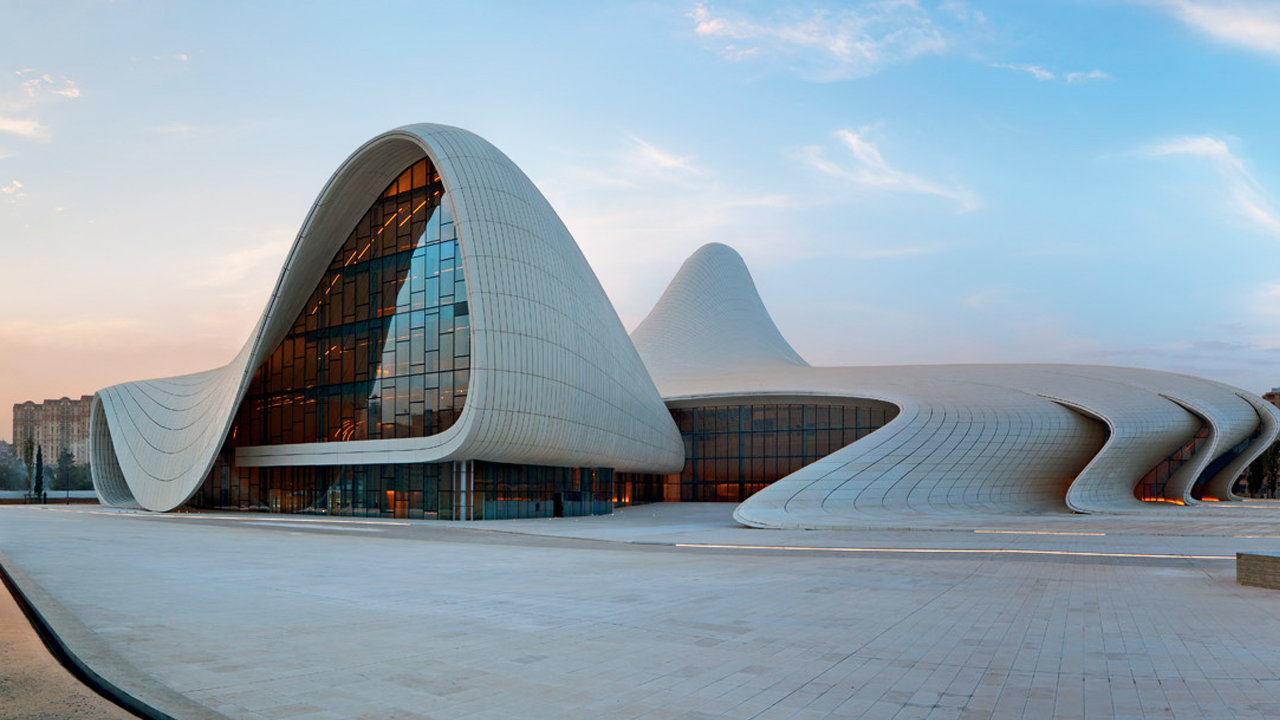
I don't think there is any program in which modeling buildings like those is easy. I assume that if you are posting the question in this forum, your project is based on Revit models. If that is the case, I would try to model this in Revit instead of using other applications. The reason for that is that this is a tower, with structural members, windows, columns, floors, etc. In other words, a building with architectural elements, not a statue or a topography or something else. So, if you bring to your Revit model a shape that was modeled somewhere else, that object will be, most likely, a full block, and not a group of elements in their proper categories. It will increase the size of your Revit model, making it slow. It won't attach or interact properly with other Revit elements. So, there are a lot of reasons for which modeling it in Revit is worthy.
How to model this? Using reference points, reference lines, surfaces, divided surfaces, repetitions, reactors, formulas, etc. All these tools are found in the generic model adaptive template. It requires good knowledge and skills of those tools. From there, you can import families into the project, and convert elements into actual roofs, curtain panels, floors, walls, columns, beams, etc.
Alfredo Medina _________________________________________________________________ ______
Licensed Architect (Florida) | Freelance Instructor | Profile on Linkedin