@ceethreedee.com
While your code can close(actually hide) the PaletteSet from the hosted palette (WinForm/WPF usercontrol), it unnecessarily add a dependency to an outside factor (commandmethod name, which could be changed for some reasons, and code compiling would not catch the change, thus a potential bug breaking the execution).
A better approach would be to build the explicit ownership relation between the palette and the paletteset by ALWAY derive the custom PaletteSet from PaletteSet class: when adding usercontrol as Palette, set its owner/parent to the PalletteSet, so the palette would have access to the PaletteSet, this be able to close/hide it. Some pseudo code:
public class MyPalleteSet : PaletteSet
{
private UserControlA _palletteA;
public MyPaletteSet(...):base(...)
{
...
_paletteA=new palleteA(this);
Add("xxxx", _paletteA);
...
}
}
public class UserControlA : UserControl
{
private MyPaletteSet _parent = null;
// Default constructor, required by VS desiner
public UserControlA()
{
InitializeComponents();
}
// constructor used when added to PaletteSet
public UserControlA(MyPaletteSet ps) : this()
{
_parent = ps;
}
public void ClosePaletteSet()
{
_parent.Close();
}
}
Of course, another way is to let usercontrol/palette raise an event (when a button of the usercontrol is clicked, for example). Then when the usercontrol is added to the PaletteSet, the PaletteSet registers an event handler, in which the PaletteSet can decide to close/hide itself, or even veto the closing request, if necessary.
Either way, once the custom PaletteSet is created, its palette child can call its Close() method from inside, no dependency to outside.


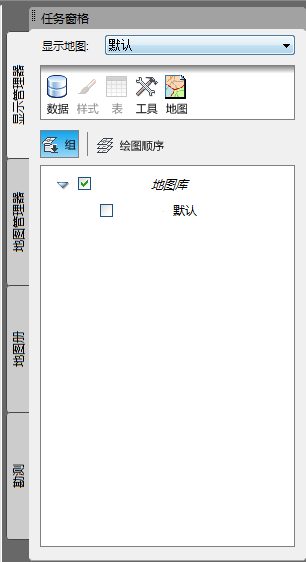 ("Task pane" in English?)