


Message 1 of 4

- Mark as New
- Bookmark
- Subscribe
- Mute
- Subscribe to RSS Feed
- Permalink
- Report
Hi everyone,
i have a problem with punch tools. I want to use round emboss but there is only "in" dimension. I want any dimension with "mm" I try to change properties with ifeatures but i failed. If anybody share emboss tools, i wil happy. Also i want to ask you something, how can i find tools library? is there any website or similar?
Thank you.
Solved! Go to Solution.



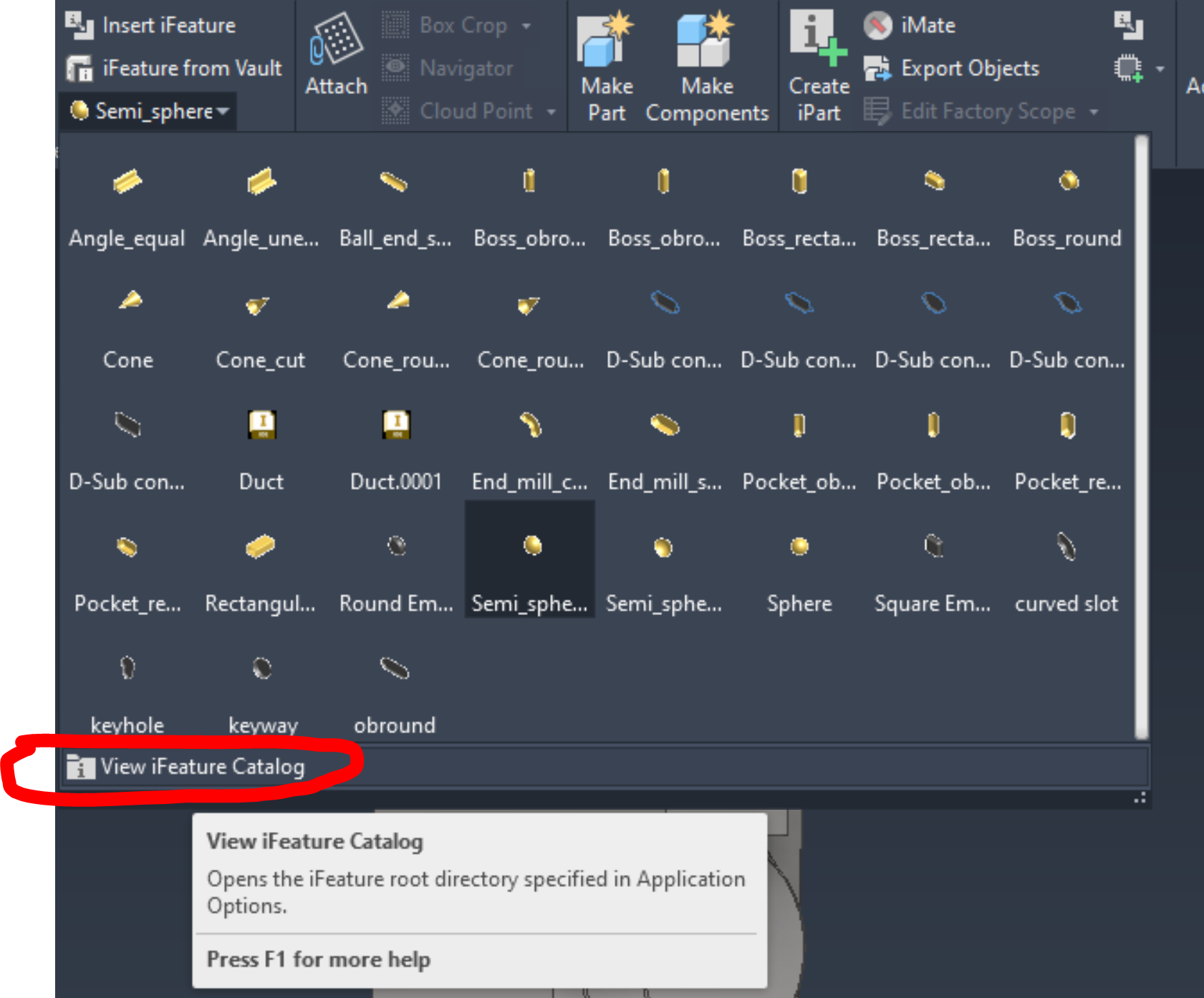
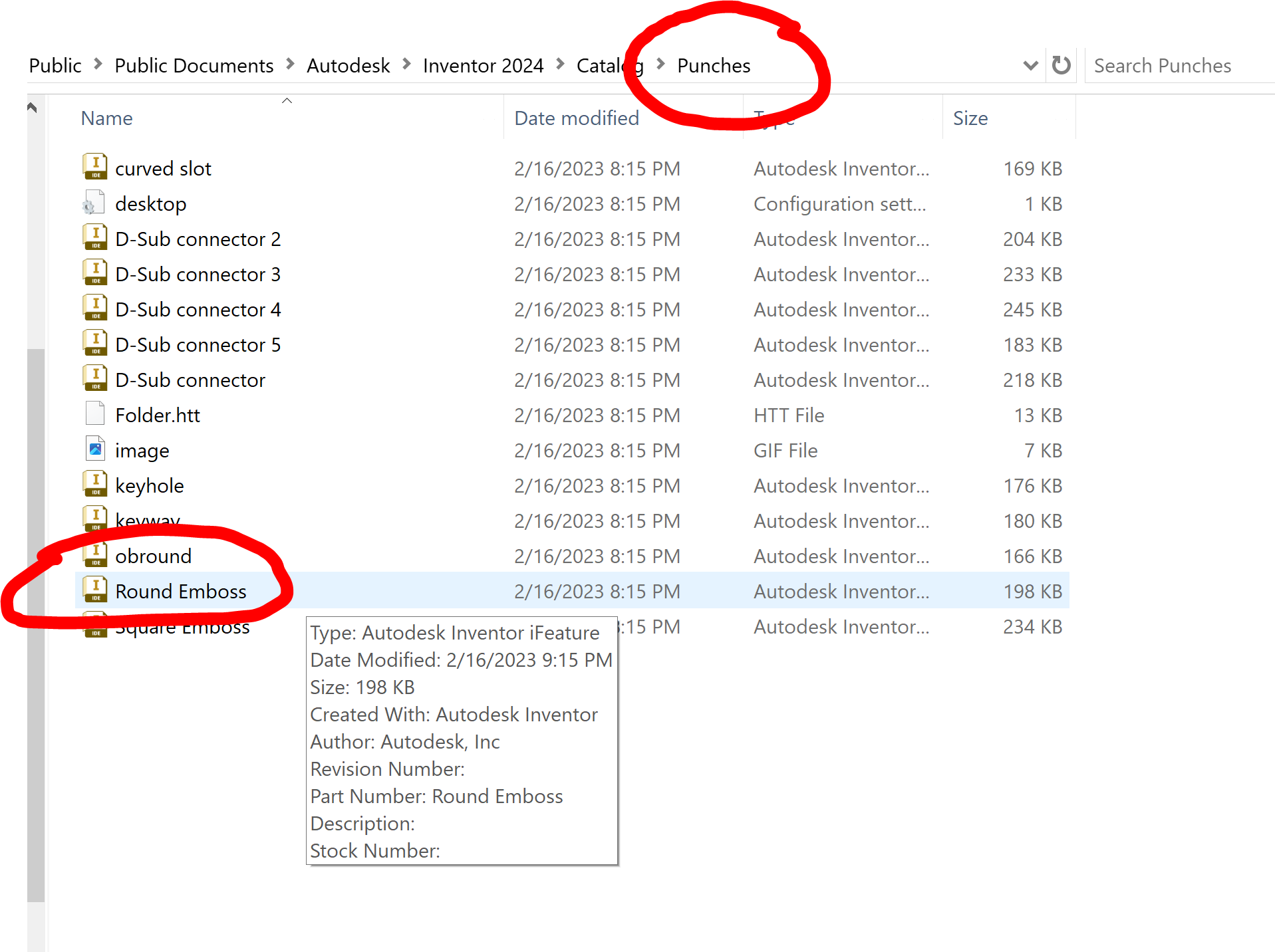 Double click Round Emboss to open it in Inventor.
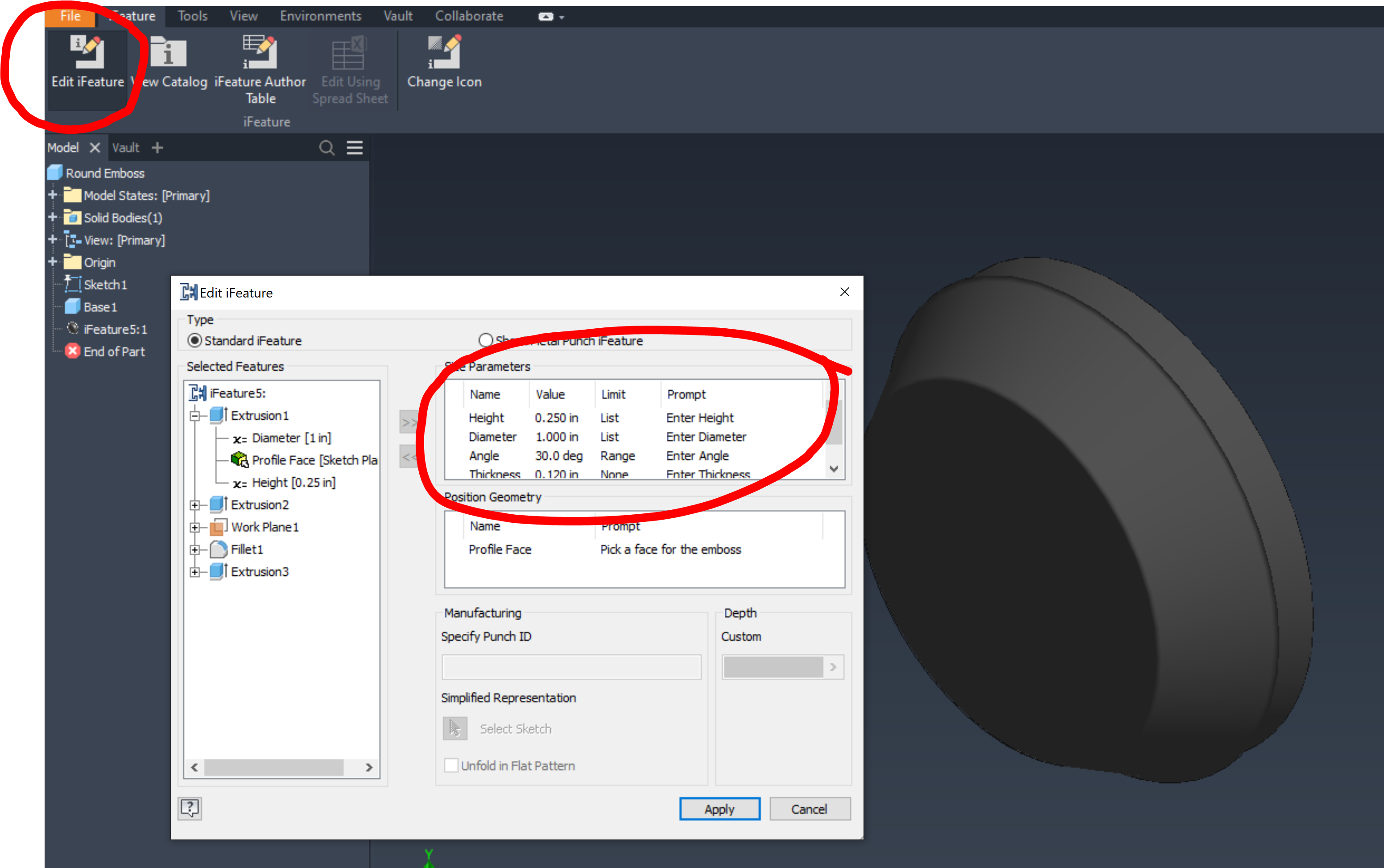 Use Edit Feature, and then modify the dimension as needed, if you want to use Metric, add the unit string mm after the number, as in 2 mm. Save the feature, and then insert it as needed from the menu.