@Cadmanto (and anyone else that might be interested)
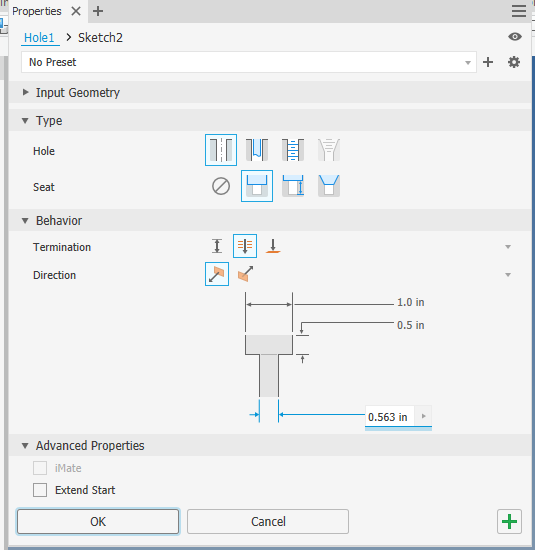
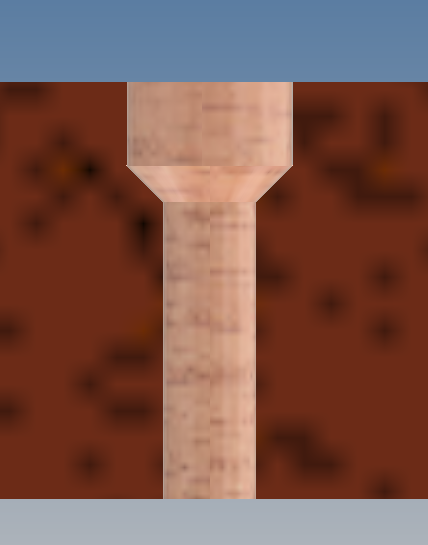
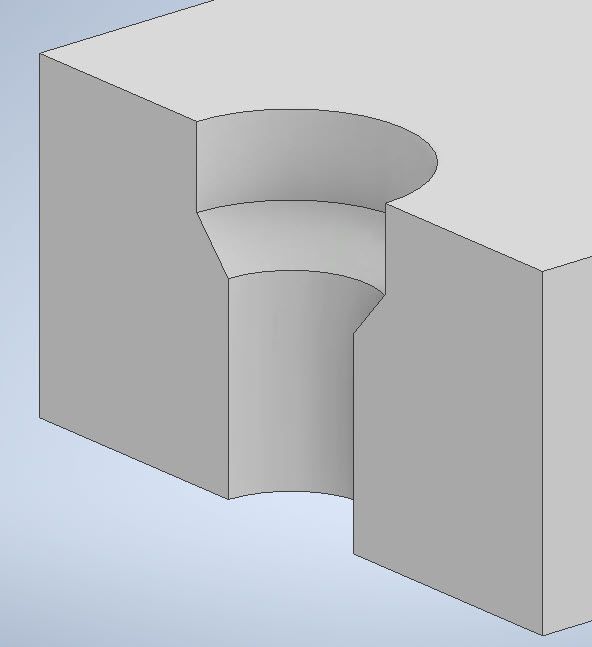
Here's a quick ilogic rule that will add a chamfer to a counterbore to do this... I didn't test it that much so it you might find issues with it, but it worked for my limited testing.
Just create an ilogic rule and add this code, then run the rule and select the counter bore hole
Dim oDoc As Document
oDoc = ThisApplication.ActiveDocument


Dim oFeature As Object
oFeature = ThisApplication.CommandManager.Pick(
  SelectionFilterEnum.kPartFeatureFilter,
  "Select Hole Features (press ESC to continue)")


If not TypeOf oFeature is HoleFeature Then
	MessageBox.Show("Hole feature not selected", "iLogic")
	Return 'exit rule
End If

Dim oHole As HoleFeature
oHole = oDoc.ComponentDefinition.Features.HoleFeatures.Item(oFeature.name)

Dim oDiamParam As Parameter
Dim oHDiam As Double
oDiamParam = oHole.HoleDiameter
oHDiam = oDiamParam.Value


Dim CBoreDiameter As Parameter
Dim oDCBore As Double
CBoreDiameter = oHole.CBoreDiameter
oDCBore = CBoreDiameter.Value


Dim oEdgeCol As EdgeCollection
oEdgeCol = ThisApplication.TransientObjects.CreateEdgeCollection()

Dim oFace As Face
Dim oEdge As Edge
'Dim CurveEval As CurveEvaluator
Dim oDia As Double

For Each oFace In oHole.Faces
	If oFace.SurfaceType = SurfaceTypeEnum.kCylinderSurface Then
		oDia = oFace.Geometry.radius*2
		Logger.Info(oDia)
		Logger.Info(oHDiam)
		If oDia = oHDiam Then
			oEdgeCol.Add(oFace.Edges.Item(2))
		End If

	End If

	oChamferLength = oDCBore-oHDiam
	Try
		oDoc.ComponentDefinition.Features.ChamferFeatures.AddUsingDistanceAndAngle _
				(oEdgeCol, oFace, oChamferLength/2, 45 * PI/180)
	Catch
	End Try
Next
I hope this helps.
Best of luck to you in all of your Inventor pursuits,
Curtis
http://inventortrenches.blogspot.com