- Mark as New
- Bookmark
- Subscribe
- Mute
- Subscribe to RSS Feed
- Permalink
- Report
Hi everyone,
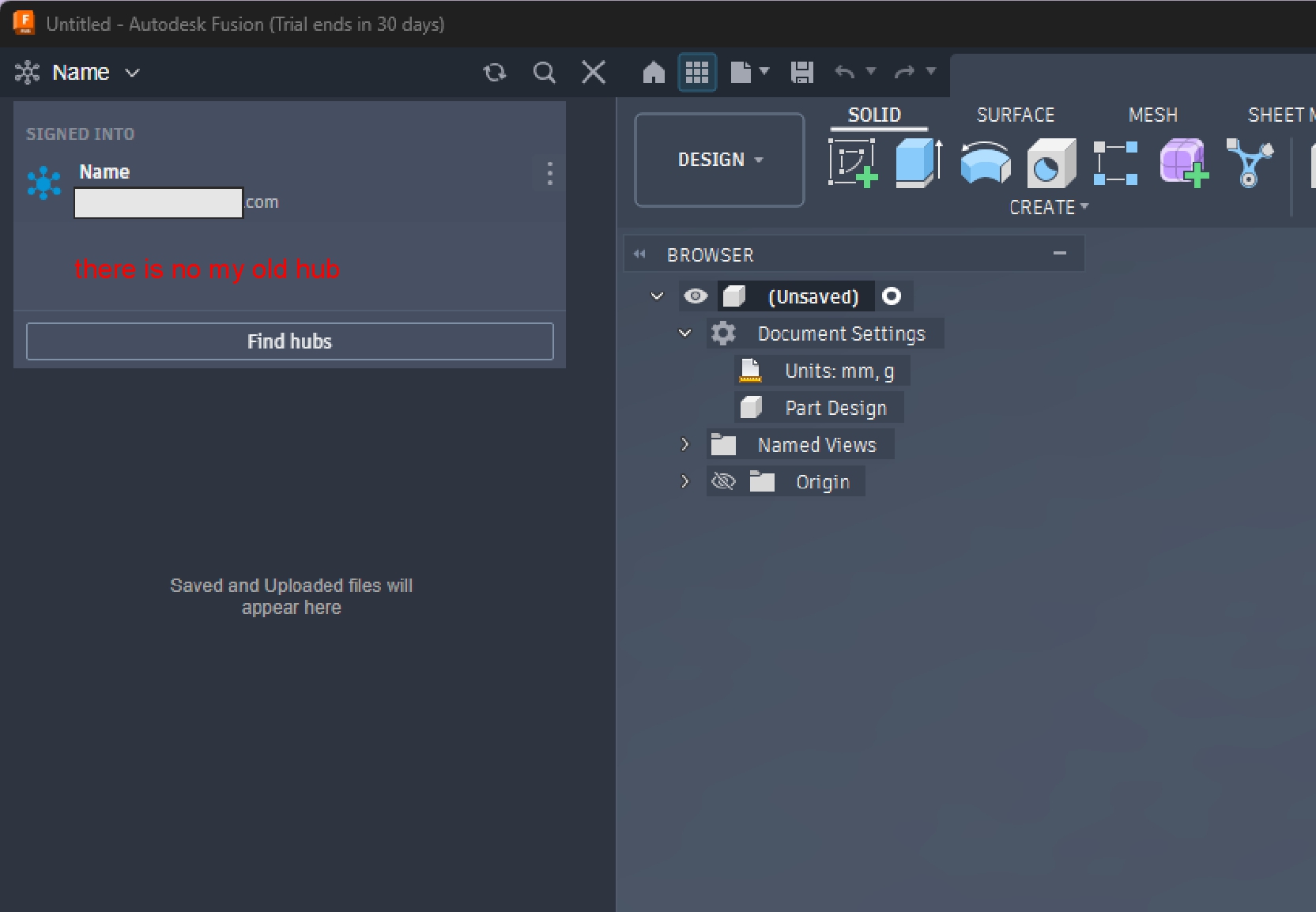
After about 1.5 years of inactivity, I logged back into my Autodesk account and Fusion 360. Upon logging in, I was prompted to create a new team hub.
However, all my previous projects were stored in my old team hub.
When I check Products and Services > Hubs in my Autodesk Account, I can clearly see both hubs listed under my account (the newly created empty one and my old one). Unfortunately, in the Fusion Web client and desktop app, I only have access to the new empty hub and there is no option to switch to my original hub or set it as default.
It seems my original hub got unlinked/orphaned after the mandatory team creation process.
Could a moderator or Autodesk support staff please help me restore access and re-link my account to my original team hub?
Thanks in advance for your help!
Solved! Go to Solution.