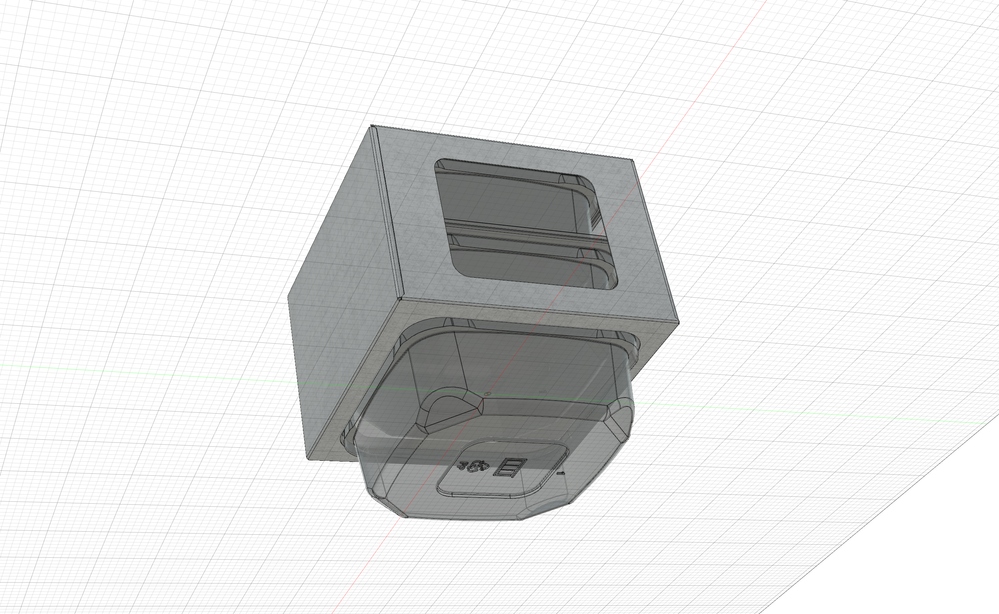
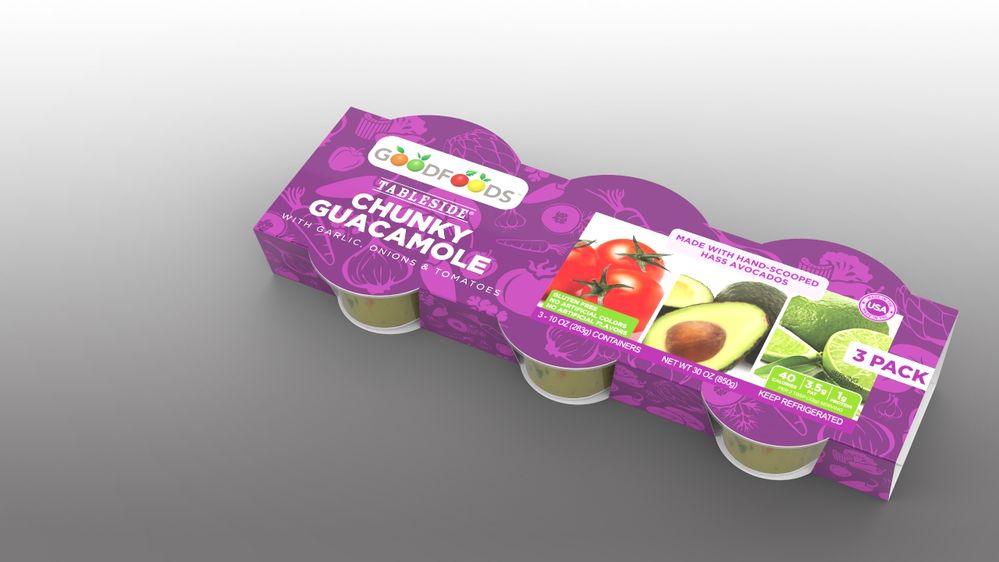
cardboard & paperboard is a bulk of how I will be using sheet metal in Fusion also, and a couple things pop to mind.
As discussed in the other thread, having interference warnings and still be able to manipulate component would be ideal.
However my dream scenario is this: There are a certain number of industry standard folds & features for packaging. What would be Supercool is to have some of these as templates. So I could conceivably start out with a rectangular solid, tell Fusion which is the top, which is the bottom, and which is the seam corner, and for each selection have options for which of these industry standard folds & features is desired.
I realize this is not exactly what Fusion's primary target is for this functionality, but the market is HUGE if you could get some of this implemented.
Another thing to think about for packaging designers would be the ability to align one flange to another. Right now, as far as I know, all we have is angle. But let's say I'm making a square wrap. I have the bottom panel - flange 1. then I go up - flange 2, over - flange 3, down - flange 4, and then back towards flange 2 - flange 5 to glue. It would be an extreme time saver to be able to make flanges 1 & 3 and 2 & 4 parallel and then flange 5 flush with flange 1. This way I could set flange 2 at 10º and flange 4 would change accordingly creating an parallelogram with the changing of only one parameter. Currently, AFAIK, I would have to go and update each angle independently to get all flanges into proper alignment. Maybe this is not the case?
Another case for flexible alignment would be abutment.

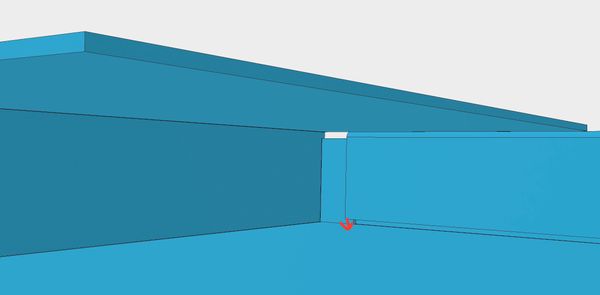
so in the images above can be seen a couple examples. In the first image is an example of flange alignment. If I could align that top flange to the fold-over that would be sweet. then if I decided the sides needed to be taller, the other flanges would just move to fit. I realize there's some dicy back flow cart-before-horse stuff there, so that may be unrealistic.
In the second image, It would be nice if I could set that flange to meet (or offset) the bottom surface. Again, if the hight of the sides change, I don't have to go back and re-adjust that flange. Or if the thickness of the material changes.
Also there're weird artifacts that show up in the corners. I'm sure I'm just not tweaking the right settings, but it seems peculiar.
Heck, if we're going to go down the packaging wormhole, might as well have a library of standard cardboards just like metal. Which reminds me; when Fusion makes the flat, there are two lines signifying the beginning and end of the bend. But it is preferred to have just one line in the center of the bend for scoring.
Someone mentioned rendering. It would also be great to be able to get the flat from fusion, create the die line, set up the art in Illustrator, export to png, then map the art back onto the model. This cannot be done now. You can try, but it freaks Fusion out and creates all kinds of weird artifacts. I have to go in and split the art up panel by panel and map each face individually. Very time consuming.
Also being able to easily mirror flange features would be good.
Lots of other little details, but those are some big ones off the top of my head.