Noob designer question - raising Z sketch

Noob designer question - raising Z sketch

Anonymous
Not applicable
2,006 Views
2 Replies
Message 1 of 3

Noob designer question - raising Z sketch

Anonymous
Not applicable

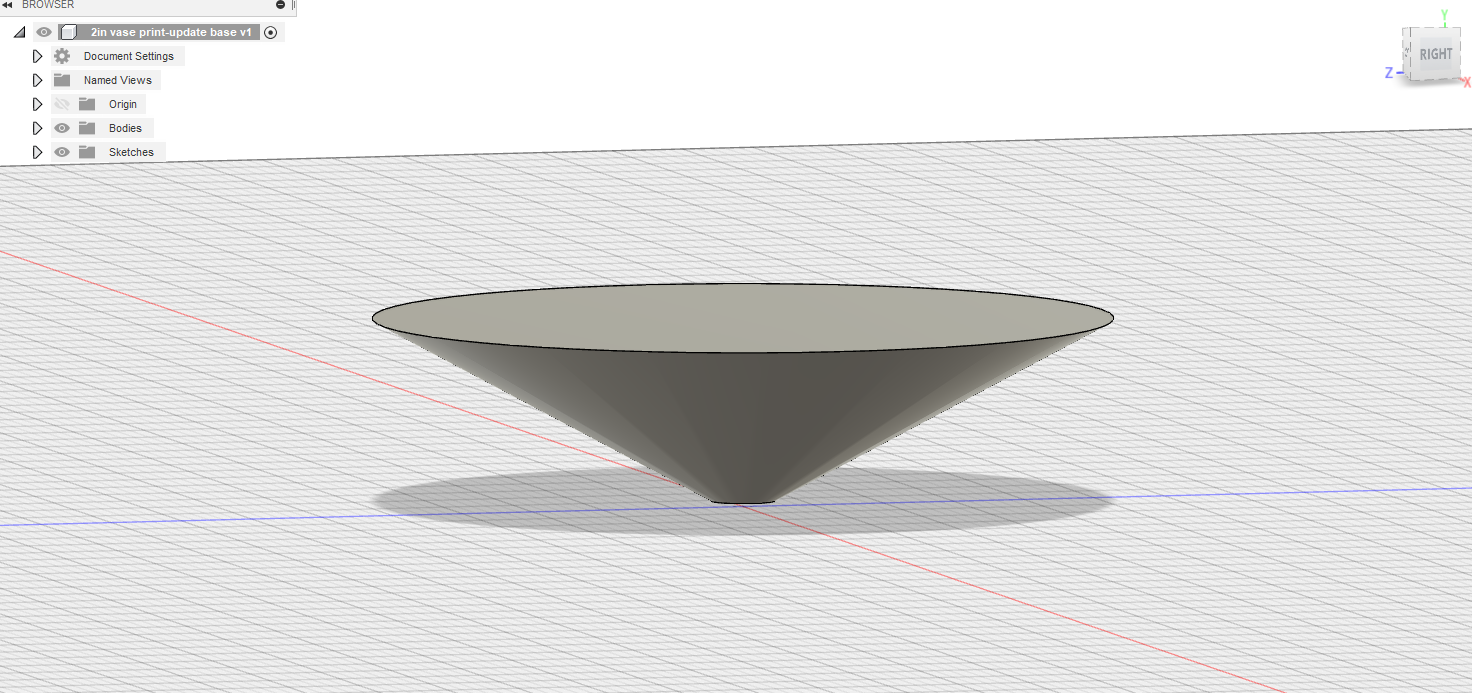
Before this latest iteration of 360, i could press top view, draw a circle, select that circle and hit M then pull the up arrow and the sketch would raise to whatever height I wanted. I have tried this probably 50 times so far since the latest update and I cannot get a sketch to rais one of two flat sketches so I can then create a loft for 3d printing an item. I will attach an example of an old design of mine for clarification. I need some help on how to raise a sketch. I am sure it's simple, but I just can't get it. Anything ive googled is all older results. 

0 Likes
Accepted solutions (1)
2,007 Views
2 Replies
Replies (2)
Message 2 of 3

davebYYPCU
Consultant
Consultant

Draw a 2nd sketch, on the offset plane that can be controlled for height.

Your shortcut is not going to allow a fully defined sketch, it becomes an automatic 3d sketch and dimensions other functions become limited.  Not since a recent update, problem.


Might help....


Message 3 of 3

jeff_strater
Community Manager
Community Manager
Accepted solution

@meredith_daniel - this still works.  Most probably, your circle has been placed at the sketch origin.  That will constrain the circle to the sketch plane.  You'd have to delete that constraint in order to move it away from the sketch plane.


Jeff Strater
Engineering Director
0 Likes