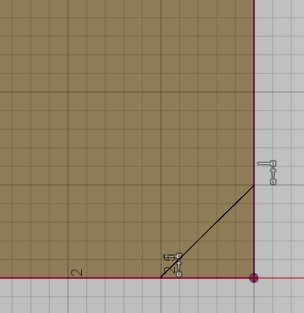
Hey LJHFUSCAD,
I think I found a quick way to accomplish what you're trying to do. Here are the steps I took:
1. With my Box modeled, I first create a construction plane that passes through 3 corners by using the Plane Through Three Points command found under the Construct Menu.

2. Select Three corners to create your first construction plane.

3. If this is the corner of the Box you're trying to remove, then you can skip to the last step! If not, we now need to offset a construction plane from the one we just created (it will be parallel). To do this, we'll use the Offset Plane command found under the Construct Menu.

4. Create an Offset Plane from the previously construction plane, and move this plane to the area you like.

5. The final step is to remove the corner of the Box using the Split Body tool found under the Modify menu. In the Split Body command, set the Box as your Body to Split, and select the appropriate construction plane as the Splitting Tool. You'll see that you now have two solid bodies in the browser, and you can delete/hide the unwanted corner.
Let me know if this helps!
Taylor
 Taylor Stein
Fusion 360 Evangelist