Hexagonal Bump Map Settings

Hexagonal Bump Map Settings

francesco_degennaroKY8D6
Explorer Explorer
349 Views
7 Replies
Message 1 of 8

Hexagonal Bump Map Settings

francesco_degennaroKY8D6
Explorer
Explorer

Hi everyone,

I need help choosing the correct material parameters to create a hexagonal bump‑texture effect on a transparent acrylic lens surface. I’m trying to achieve a result similar to the one shown in the reference image below:

Lens_surface_exemple.jpg

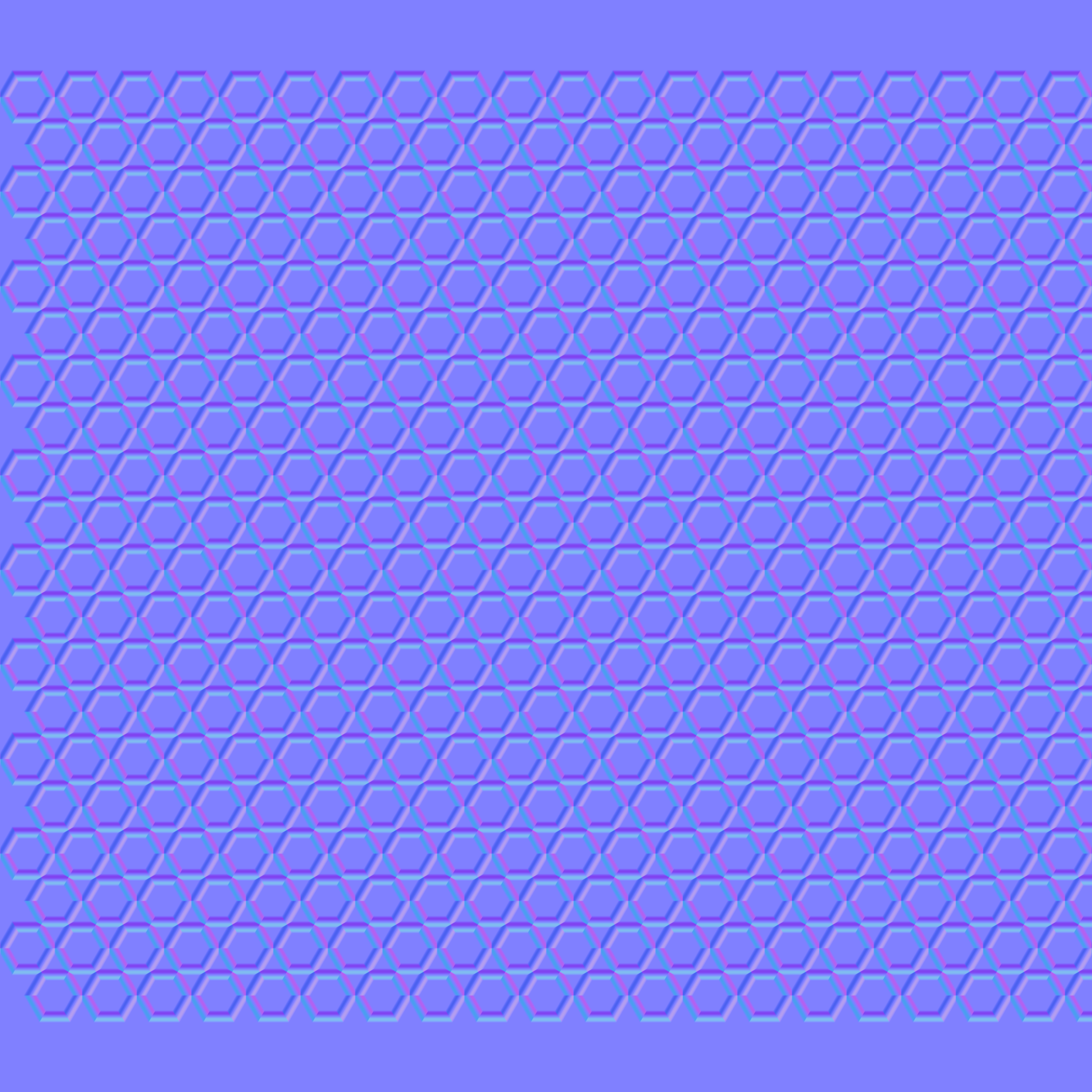
I created a normal map for a pattern of about 20 × 20 mm (the lens diameter is approximately 18 mm😞

hex_ring_18mm_20x20_diam0p6_normalDX.png

and used it with the following settings:

Bump_settings.jpg

Advanced_settings.jpg

General_settings.jpg

However, instead of a hexagonal bump pattern, I’m getting a kind of striped effect, as shown in this image:

Result.jpg

Does anyone know which parameter or setup might be causing this issue?
Thanks in advance for your support.
0 Likes
Accepted solutions (1)
350 Views
7 Replies
Replies (7)
Message 2 of 8

TrippyLighting
Consultant
Consultant

Can you share your model and the normal map?

If you cannot share the model at least share the normal map so I can try this out on similarly sized geomerty.


EESignature

0 Likes
Message 3 of 8

francesco_degennaroKY8D6
Explorer
Explorer
I attached the normal map (PNG) I used also in the previous post, but you can also find it here included with the model (STEP).
0 Likes
Message 4 of 8

TrippyLighting
Consultant
Consultant

The reason is likely the scale. If you change that from 50 to something smaller, it will show up.

The fusion render engine has not seen updates in the last 6-8 years, and IMHO is abandonware.


I created a little video, but they still don't upload, and I cannot be bothered if the people who maintain the forum software don't fix their continued mistakes.


EESignature

Message 5 of 8

francesco_degennaroKY8D6
Explorer
Explorer

Hi,

thanks for your reply.

I tried to lowering the scale down to 25:

1.jpg

but now in the texture editor the normal map no longer seems to cover the required dimensions of about 20×20 mm:

2.jpg

and the render still doesn’t show the small hexagonal texture I need:

3.jpg

I'm assuming there are still some settings that I haven’t configured correctly.
Thanks in advance.


0 Likes
Message 6 of 8

francesco_degennaroKY8D6
Explorer
Explorer

Good morning everyone. Has someone read my last reply? Thanks.

0 Likes
Message 7 of 8

TrippyLighting
Consultant
Consultant
Accepted solution

Yes, but I have nothing to add other than a screen recording, showing the process. It's working here 😉


(view in My Videos)


EESignature

0 Likes
Message 8 of 8

francesco_degennaroKY8D6
Explorer
Explorer
Thank you very much. My apologies, the video wasn’t visible earlier. I tried your workaround, and everything seems to work properly.