Message 1 of 3

- Mark as New
- Bookmark
- Subscribe
- Mute
- Subscribe to RSS Feed
- Permalink
- Report
Is it possible to create a macro to map some of the buttons of the space mouse to regularly used constraints?
Solved! Go to Solution.

 Participant
Is it possible to create a macro to map some of the buttons of the space mouse to regularly used constraints?
Solved! Go to Solution.
I think this is a better question for 3D Connexion to see if they support the ability to customize the buttons for a particular CAD app. I believe they have some capabilities for this with Inventor but I don't know about Fusion. The Fusion API definitely does not have any support for customizing 3D Connexion devices.
Hi Brian
Thanks for the reply.
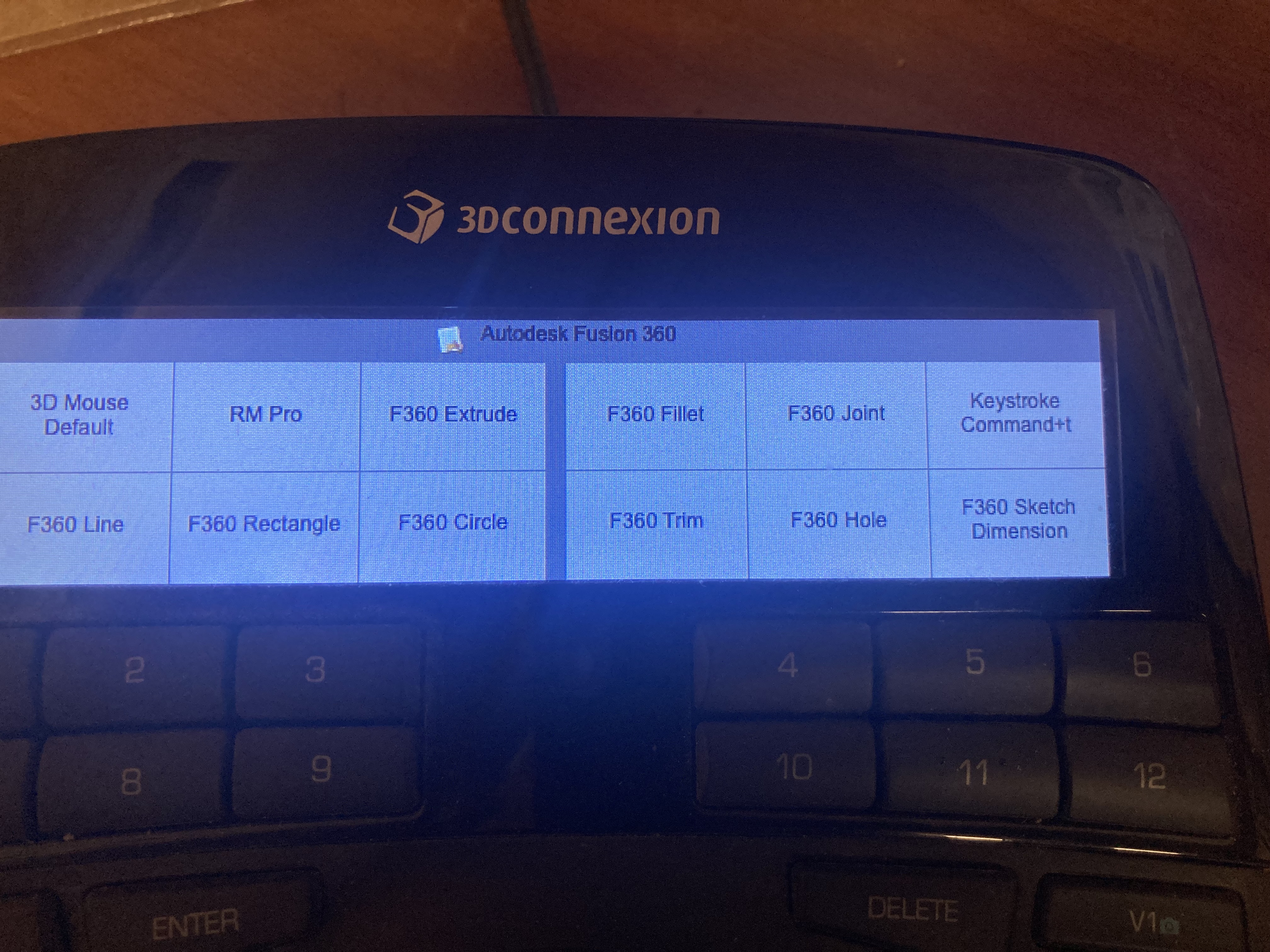
I was able to find a workaround by adding keyboard shortcuts to the constraint commands I'm using most frequently, and then mapping those to the buttons of the space mouse to those shortcut commands. It's not as elegant as if the constraint icons appeared on the screen of the mouse but it's definitely better than nothing...
Best regards
Marcus