Autodesk Community Tips are bite-sized fixes, shortcuts, advice, and how-to tips shared by Community members.
- Home
- /
- Architecture, Engineering & Construction
- /
- AutoCAD Forums
- /
- Autodesk Community Tips - AutoCAD Products
- /
- AutoCAD COMMANDPREVIEW: Take back Control of Your AutoCAD Editing
AutoCAD COMMANDPREVIEW: Take back Control of Your AutoCAD Editing
Options
- Subscribe to RSS Feed
- Mark as New
- Mark as Read
- Bookmark
- Subscribe
- Printer Friendly Page
- Report
Contributed by:

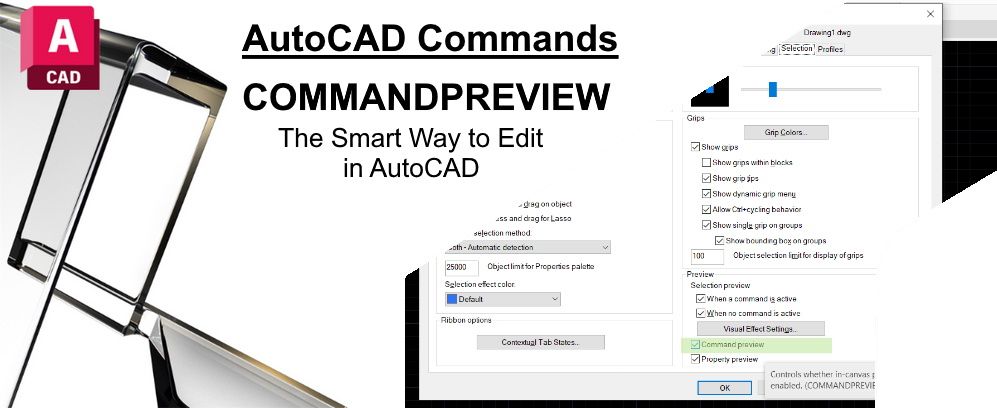
AutoCAD is a powerful tool, but sometimes it can be frustrating when trying to make a simple change that doesn't work out as expected. Whether creating a fillet or chamfer, trimming or extending a line, or other editing tasks, it can be frustrating to make a mistake and have to start over.
But what if you could preview the changes before you make them?
CommandPreview is a game-changing productivity tool that solves this problem. Providing real-time feedback for active editing allows you to see a preview of the possible outcome before completing the command. This feature enables you to make necessary adjustments or corrections before finalizing, saving you time and effort.
This powerful tool gives you greater control over your AutoCAD workflow and reduces the need to undo unexpected results.
Type COMMANDPREVIEW into your Keyboard.

Or right-click and display the shortcut menu
Select Options - Selection Tab - Under Preview


Turning ON the COMMANDPREVIEW - Enter 1 as your value

Turning OFF the COMMANDPREVIEW - Enter 0 as your value

The following 2D editing commands are supported:
- BREAK
- CHAMFER
- EXTEND
- FILLET
- MATCHPROP
- OFFSET
- TRIM


AutoCAD Support and Learning
Have you tried: Command Preview
About Previewing the results of an Editing Command
About Toggle Command Preview
Comments


01-31-2023
04:18 PM