Message 1 of 2
leader arrow head size using Quick Leader

- Mark as New
- Bookmark
- Subscribe
- Mute
- Subscribe to RSS Feed
- Permalink
- Report
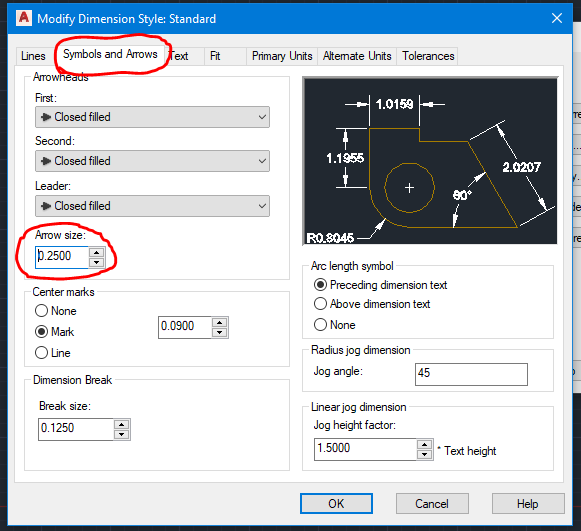
In AutoCAD LT 2015 the leader arrowhead size seems to be fixed at 3/16". I can only change the size by selecting a leader, changing aroowhead size in the properties menu,, then performing "Match Properties on each leader. I have looked at the Quick Leader settings menu, but there is no place to enter a global arrow head size. How can I change the Quick Leader arrowhead size so that the arrowhead appears with the correct size arrowhead?