Message 1 of 2
How to retrieve checkpoints or autosave?

- Mark as New
- Bookmark
- Subscribe
- Mute
- Subscribe to RSS Feed
- Permalink
- Report
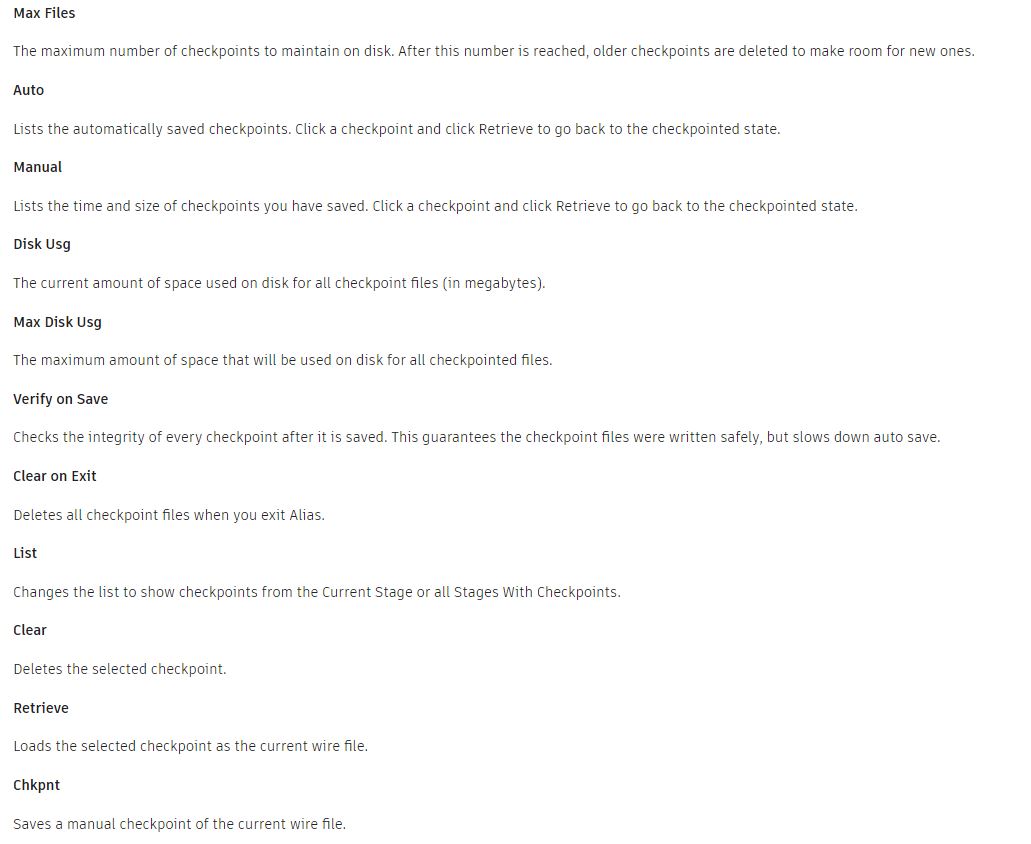
What happened to the checkpiont menu, why is there no longer a list of autosave files? How can I open these files now, if instead of the list and the ‘retrieve’ button there is just a link to a folder with these files, which don't even have the right extension, and I have to manually add ‘.wire’ to them?
If I want to go back to some checkpoint or autosave I have to go to this folder every time and put the extension .wire, really?
And why is the appropriate page in the help not updated for the new version of the interface, which no longer has the described functionality?