Question about Opacity/Alpha for animation

Question about Opacity/Alpha for animation

hasa22hf
Explorer Explorer
1,368 Views
4 Replies
Message 1 of 5

Question about Opacity/Alpha for animation

hasa22hf
Explorer
Explorer

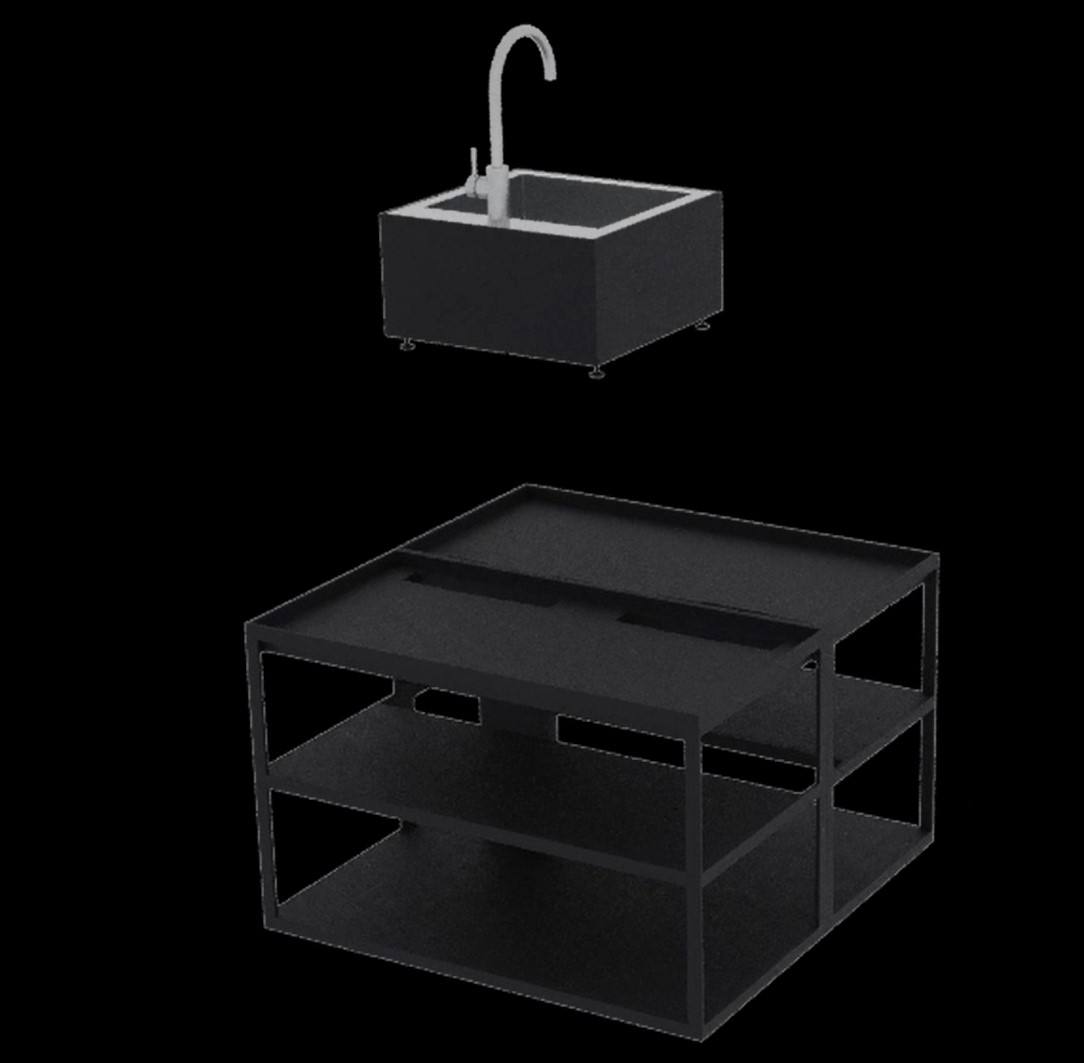
I am currently working on an animation for an internship where I have to make modules for furniture appear and disappear, however when I've finished rendering and edited the photos into a movie I noticed that the visibility setting for each module makes the object transparent for a short while.

So my question is, is it possible to make it fade in and out instead like an alpha setting (something similar to what photoshop uses)?

I am not interested in showing what's inside of the module basically.

Pictures below show the transparency and another picture 2 frames after.


Thanks in advance.

- Sam

0 Likes
1,369 Views
4 Replies
Replies (4)
Message 2 of 5

leeminardi
Mentor
Mentor

Here's a way to fade visibility if rendering with Arnold since is does not support a visibility track.

https://youtu.be/lMRmfEeDfdE


Of course, if the renderer that you are using supports a visbility track then you can use it as shown here.

https://youtu.be/fY3pR0bZlUI


lee.minardi
Message 3 of 5

hasa22hf
Explorer
Explorer

I have tried to animate object visibility but that makes object see through and shows a bunch of internal stuff.

I need them to fully fade in or out.

The first method seems promising, however I don't understand how to build that into my material tree using a more complex material and everything bound to a multi-sub object.

0 Likes
Message 4 of 5

hagen.deloss
Alumni
Alumni

Hi @hasa22hf ,


that is something I would normally suggest doing in post-production with a mask in compositing software.

If you really need the solution inside of 3ds Max, i see that @leeminardi 's suggestion seems feasible, Lee, can you offer some insight into getting this same effect that routes through a multi-sub object? 

@hasa22hf just to clarify, are you saying that the object has a multimap material applied? Or that the object is comprised of multiple pieces and the map Lee suggested makes them all fade individually, not all at once? If it's the latter, I would duplicate a backup, and then combine the object for rendering purposes so you can quickly get that effect.

Warm regards, 


Hagen Deloss
Community Manager | Media & Entertainment
Installation & Licensing forums | Contact product support | Autodesk AREA


Message 5 of 5

leeminardi
Mentor
Mentor

I think you can do it via channels. I'm traveling this week and do not have access to my CAD PC to check this out. I will look at fading multi subject materials this weekend.

lee.minardi