Game animation workflow, dummies and bones

- Mark as New
- Bookmark
- Subscribe
- Mute
- Subscribe to RSS Feed
- Permalink
- Report
Hello,
I have been working on an animation system for a game, however as I'm completely new to game-development related animation, I'm rather stumped as to what's the correct workflow regarding this.
To be specific,
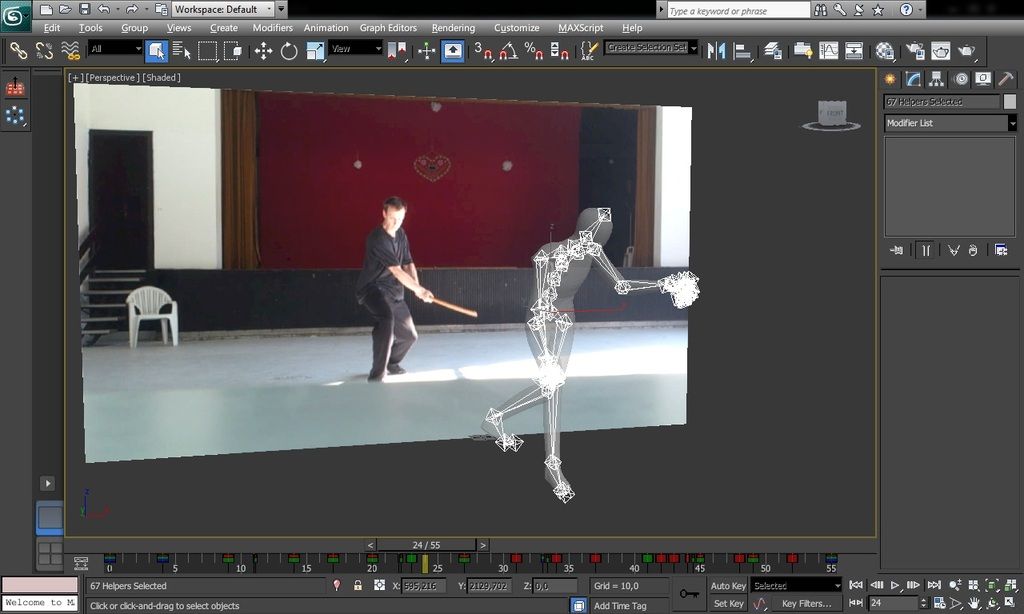
I have begun with a T-pose character model imported from FBX, using Dummies instead of Bones. I have made one animation with this character, and exported it as FBX.

However I have later decided that I needed to expand the character rig, so for starters I wanted to implement a right hand weapon socket bone.
I have added a new bone to the character, and tried exporting as both dummies and bones, as well as saving both variants of the scene.

I am now completely baffled as to how to change a skeleton of an existing animation. I've tried everything I could think of - I tried Save and Loading animation, Merging animation via FBX import, Merging files via another .MAX file import, but I simply cannot have the existing animation apply to a new skeleton which is NEARLY identical save for one extra bone on the right hand.
What is the correct procedure to do this? How do I use the existing animation on a new skeleton?
I will also probably be adding new bones to the skeleton later as the need arises, so what's the correct workflow for making sure this will not be a horrible PITA later?
Thank you in advance.