shampoo bottle 3d model - Help!

- Mark as New
- Bookmark
- Subscribe
- Mute
- Subscribe to RSS Feed
- Permalink
- Report
Hi everyone!
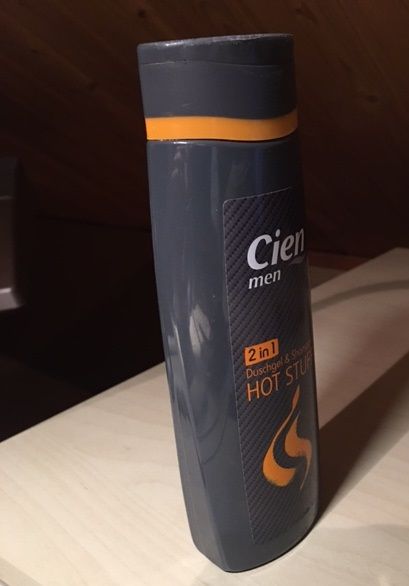
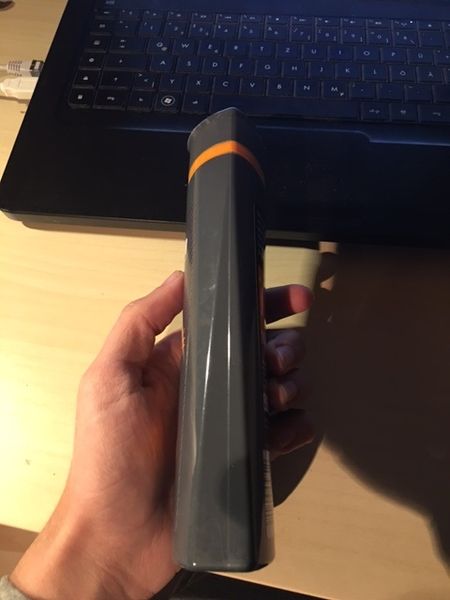
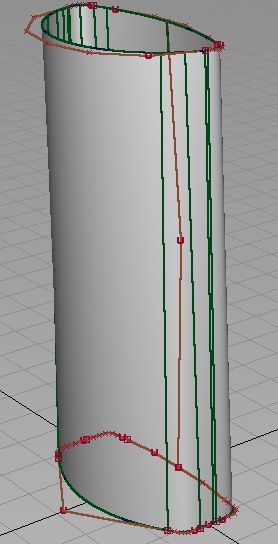
I want to build a 3d modell of my shampoobottle in autodesk autostudio. Because I am a beginner it´s still not that easy to get that result which I want.
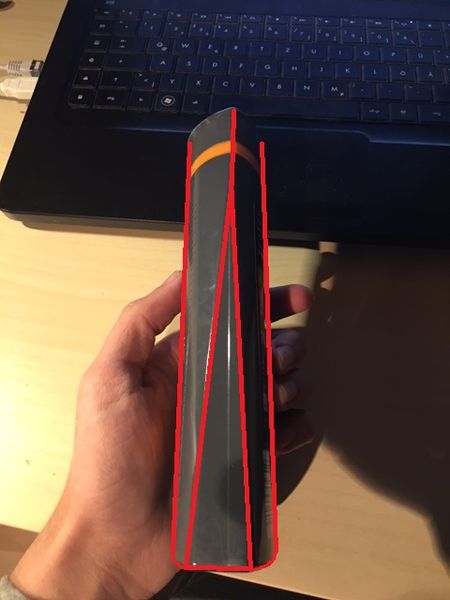
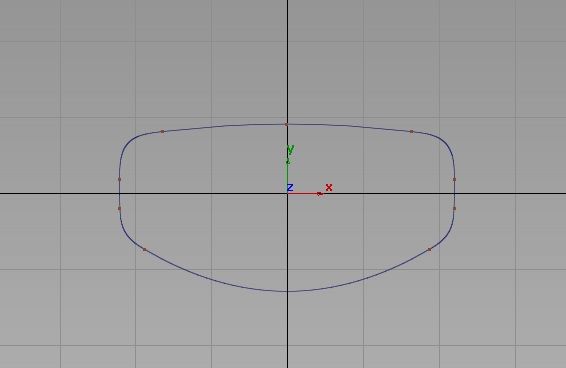
Here you see the railcurve of the bottom:
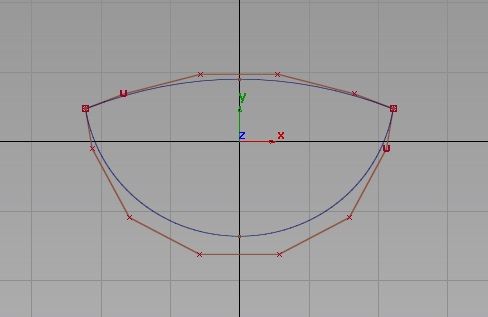
and here the railcurve of the top:
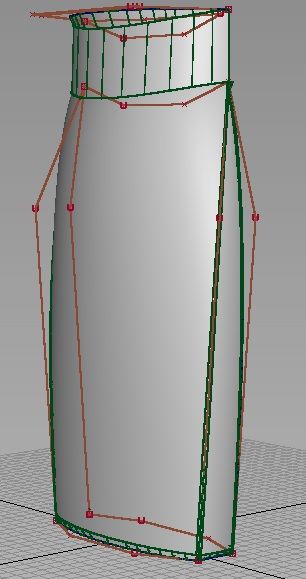
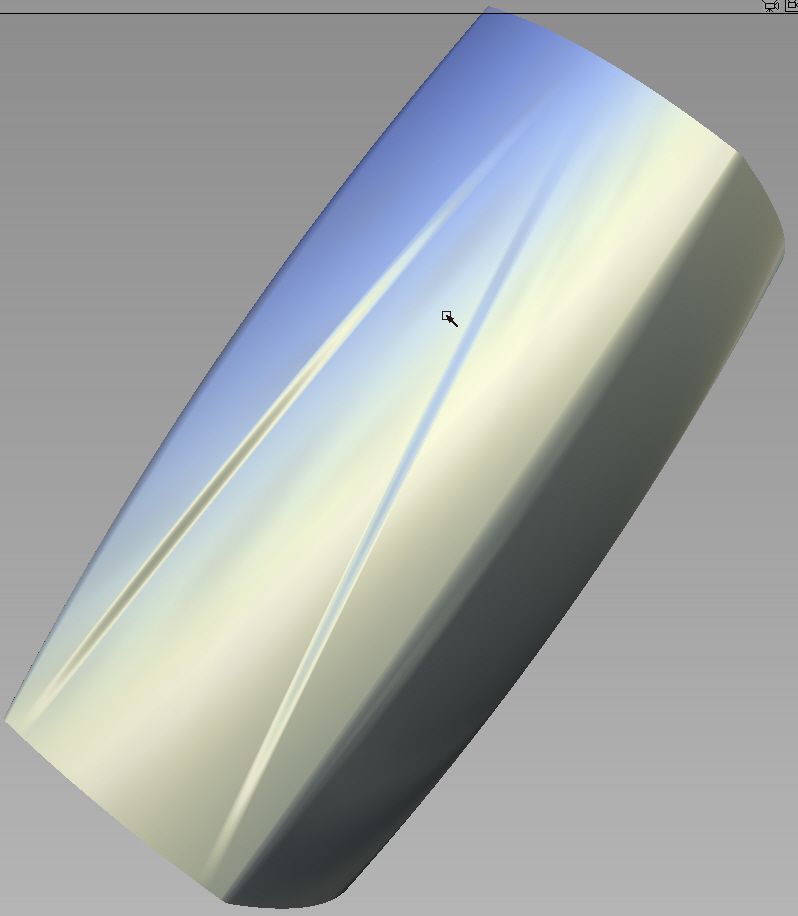
My first question is about the curve flow of the bottom railcurve. I put the curve curvatore locator on to see the result. I already edited a few parameters and adjusted the radius. Is the result good enough to get a smooth surface?
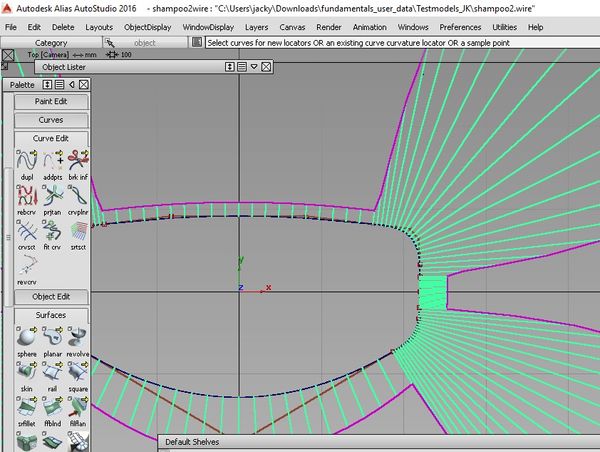
Next question:
I created the curves with the curve tool. To get smooth edges I took the curve fillet tool. Because of unknown reasons, the curve fillet tool didn´t work on the shape of the top. It says "Curve fillet failed". As you can see I still have these sharp edges. I tried to set the parameters up and high but there is still no success. Anyone has an idea what I did wrong?
My last question is about the building of the modell. As you can see the shape of the bottom is unsimilar to the shape of the top. So I have to build a surface between these two curves. I built another curve which goes from the bottom curve straight to the top curve with Pointsnap. Then I took the brail gen surface tool to generate a surface between the two railcurves and the generation curve. But what ever I do, I don´t get the result which I want. Is there already any mistake in my working process?
If it is neccesarry, I could upload a video for better understanding.
Sorry for the long text. It would be very helpful if anyone can answer just one of my questions. Thanks a lot!