- Mark as New
- Bookmark
- Subscribe
- Mute
- Subscribe to RSS Feed
- Permalink
- Report
Hey Everyone,
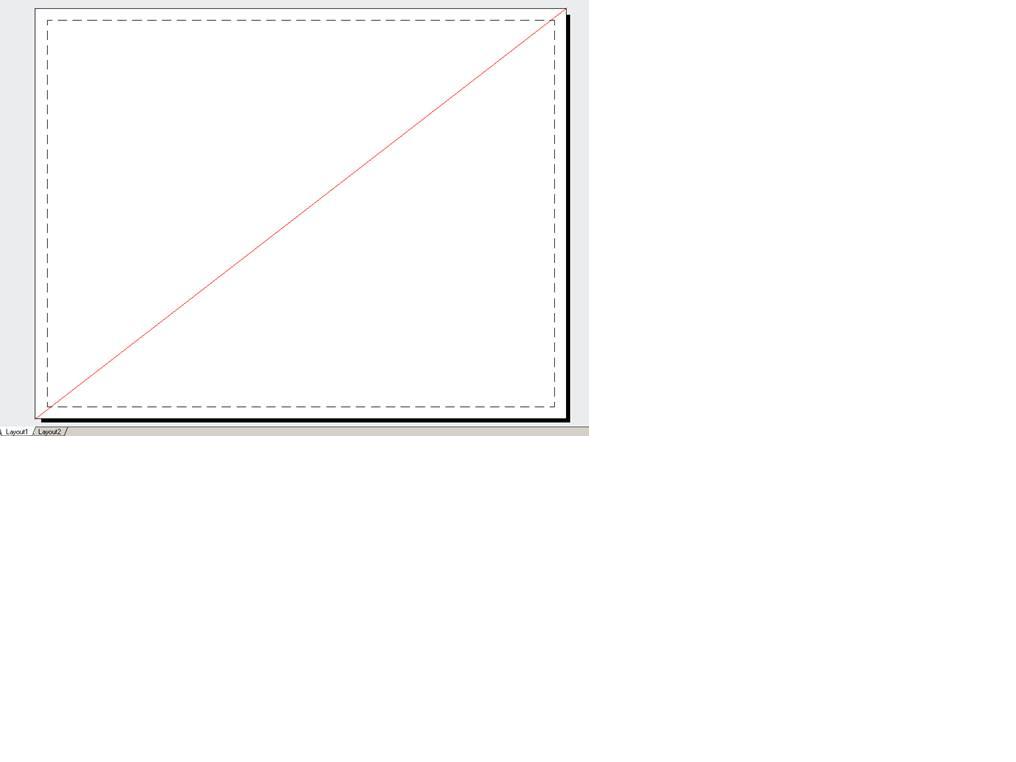
I've worked on a command that automatically imports a dwg into paperspace and positions it. I've just realized that when imported vertically, the titleblock is on the wrong side of the layout. I've imported it to (10,10,0) and would ideally like to import to those exact opposite co-ordinates to essentially flip it but i'm a bit unclear as to how. I know that I can use the commands Database.PextMax and Database.PextMin to determine the max and min points of the primary layout, but what co-ordinates are these, are they the top right corner and bottom right corner, how do i tell? Also, is there any documentation on these commands?
Thanks
Vince
For what it's worth, here's my routine:
string dwgName = HostApplicationServices.Current.FindFile(comp, acadApp.DocumentManager.MdiActiveDocument.Database, FindFileHint.Default);
Database db1 = new Database(false, false);
db1.ReadDwgFile(dwgName, System.IO.FileShare.Read, true, "");
ObjectId BlkId;
BlkId = doc.Database.Insert(dwgName, db1, false);
BlockTable bt = (BlockTable)tr.GetObject(doc.Database.BlockTableId, OpenMode.ForRead, true);
BlockTableRecord btr = (BlockTableRecord)tr.GetObject(bt[BlockTableRecord.PaperSpace], OpenMode.ForWrite);
BlockReference bref = new BlockReference(new Autodesk.AutoCAD.Geometry.Point3d(10, 10, 0), BlkId);
btr.AppendEntity(bref);
tr.AddNewlyCreatedDBObject(bref, true);
bref.ExplodeToOwnerSpace();
bref.Erase();
tr.Commit();
}
finally
{
tr.Dispose();
}
}
}
Solved! Go to Solution.