- Mark as New
- Bookmark
- Subscribe
- Mute
- Subscribe to RSS Feed
- Permalink
- Report
Hello:
Being a total newbie to Inventor, I find that drawing splines is very clumsy with this program (at least compared to 2D vector applications like Adobe Illustrator).
I looked up the file formats that both programs could export to/open so I already knew about DWG files, DXF and IGES as well as a few others that 3D Studio Max (another program I use) could export to.
But each time I tried to import them into Inventor (as in the helpful video here: http://youtu.be/R792lFPnCjc ), I got the following two error messages one after the other:
Error message 1:
A copy of the DWG is being made. Unsupported AutoCAD imnformation may be removed when saved as an Inventor Fusion document.
Error message 2:
The file does not contain any Inventor Fusion entities.
Then nothing appeared in the Inventor window.
And these files were just simple shapes (a circle and a square) to test out whether this would work, so it was nothing too complex by any means.
I also loaded them into 3DS Max and then re-exported them to various files types that Inventor is supposed to read just to see if it was an Illustrator-specific problem but still... nothing appears in Inventor.
So... does it look like my Inventor copy is broken somehow and needs re-installing?
Some other thing I am doing wrong?
Just totally lost, here.
Any help would be greatly appreciated. Thanks in advance!
Tom
P.S: I am using:
Adobe Illustrator CS 5.1
3DS Max 2011 32-bit
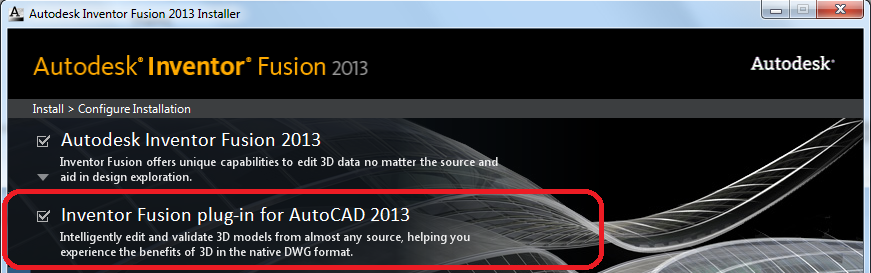
Inventor Fusion 2013
Solved! Go to Solution.