Community
- Forums Home
- >
- DWG Trueview Community
- >
- DWG TrueView Forum
- >
- Re: Where do I find NET 4.0 SP1 for TrueView 2013?
DWG TrueView
Welcome to Autodesk’s DWG Trueview Forums. Share your knowledge, ask questions, and explore popular DWG Trueview topics.
Turn on suggestions
Auto-suggest helps you quickly narrow down your search results by suggesting possible matches as you type.
 This page has been translated for your convenience with an automatic translation service. This is not an official translation and may contain errors and inaccurate translations. Autodesk does not warrant, either expressly or implied, the accuracy, reliability or completeness of the information translated by the machine translation service and will not be liable for damages or losses caused by the trust placed in the translation service.
Translate
This page has been translated for your convenience with an automatic translation service. This is not an official translation and may contain errors and inaccurate translations. Autodesk does not warrant, either expressly or implied, the accuracy, reliability or completeness of the information translated by the machine translation service and will not be liable for damages or losses caused by the trust placed in the translation service.
Translate
Reply
Topic Options
- Subscribe to RSS Feed
- Mark Topic as New
- Mark Topic as Read
- Float this Topic for Current User
- Bookmark
- Subscribe
- Printer Friendly Page
Message 1 of 44

Anonymous
255306 Views, 43 Replies
03-28-2012
07:36 AM
- Mark as New
- Bookmark
- Subscribe
- Mute
- Subscribe to RSS Feed
- Permalink
- Report
03-28-2012
07:36 AM
I've looked everywhere and tried a few downloads. I cannot find this file. It's very frustrating.
Any help?
Solved! Go to Solution.
Solved by Silvia.Menon. Go to Solution.
43 REPLIES 43
Message 2 of 44
Anonymous
in reply to:
Anonymous
03-30-2012
12:19 PM
- Mark as New
- Bookmark
- Subscribe
- Mute
- Subscribe to RSS Feed
- Permalink
- Report
03-30-2012
12:19 PM
I am experiencing the same problem. I did find a Framework product, but it must be the wrong one because i get the same error message after loading it up...
Message 3 of 44
Anonymous
in reply to:
Anonymous
04-02-2012
10:55 AM
- Mark as New
- Bookmark
- Subscribe
- Mute
- Subscribe to RSS Feed
- Permalink
- Report
Message 7 of 44
Anonymous
in reply to:
Anonymous
05-03-2012
06:35 AM
- Mark as New
- Bookmark
- Subscribe
- Mute
- Subscribe to RSS Feed
- Permalink
- Report
05-03-2012
06:35 AM
I was receiving the same error, need Net 4.0 SP1, on a 32 bit Windows XP machine. I believe there is an problem, but the error message is referencing the wrong version of Net. Once I installed SP3, NET4, and allowed windows update to patch all of the versions of NET versions 1.0 - 4.0, and add the security updates, Trueview 13 installed with no issues.
Message 8 of 44
Anonymous
in reply to:
Anonymous
05-07-2012
05:27 AM
- Mark as New
- Bookmark
- Subscribe
- Mute
- Subscribe to RSS Feed
- Permalink
- Report
05-07-2012
05:27 AM
I haven't been able to get past that either. I've installed and reinstalled .NET 4, (dotNetFx40_x86) installed all .NET updates from Windows update and installed KB2478063. Do you have to have Visual Studio installed to run it? Part of update 1 is VS10SP1-KB2495593 which can't be installed without Visual Studio.
Message 9 of 44


05-24-2012
05:33 AM
- Mark as New
- Bookmark
- Subscribe
- Mute
- Subscribe to RSS Feed
- Permalink
- Report
05-24-2012
05:33 AM
Try this link:
http://www.microsoft.com/en-us/download/details.aspx?id=3556
Any luck?
Best regards,
Silvia
Silvia Menon
Support Specialist
Product Support
Autodesk, Inc.
http://www.autodesk.com/autocad-support
Message 10 of 44
Anonymous
in reply to:
Anonymous
05-27-2012
09:10 AM
- Mark as New
- Bookmark
- Subscribe
- Mute
- Subscribe to RSS Feed
- Permalink
- Report
05-27-2012
09:10 AM
You want the Full version of the Dot Net installer: dotNetFx40_Full_setup.exe
It can be found at: http://www.microsoft.com/en-us/download/details.aspx?id=17851
Message 11 of 44


08-23-2012
06:49 AM
- Mark as New
- Bookmark
- Subscribe
- Mute
- Subscribe to RSS Feed
- Permalink
- Report
Message 12 of 44
Anonymous
in reply to:
Anonymous
09-28-2012
07:17 AM
- Mark as New
- Bookmark
- Subscribe
- Mute
- Subscribe to RSS Feed
- Permalink
- Report
09-28-2012
07:17 AM
this will work! just install the one you need, x86(32bit) or x64(64bit) http://www.microsoft.com/en-us/download/details.aspx?id=3556
Message 13 of 44
10-30-2012
09:36 AM
- Mark as New
- Bookmark
- Subscribe
- Mute
- Subscribe to RSS Feed
- Permalink
- Report
10-30-2012
09:36 AM
Hello,
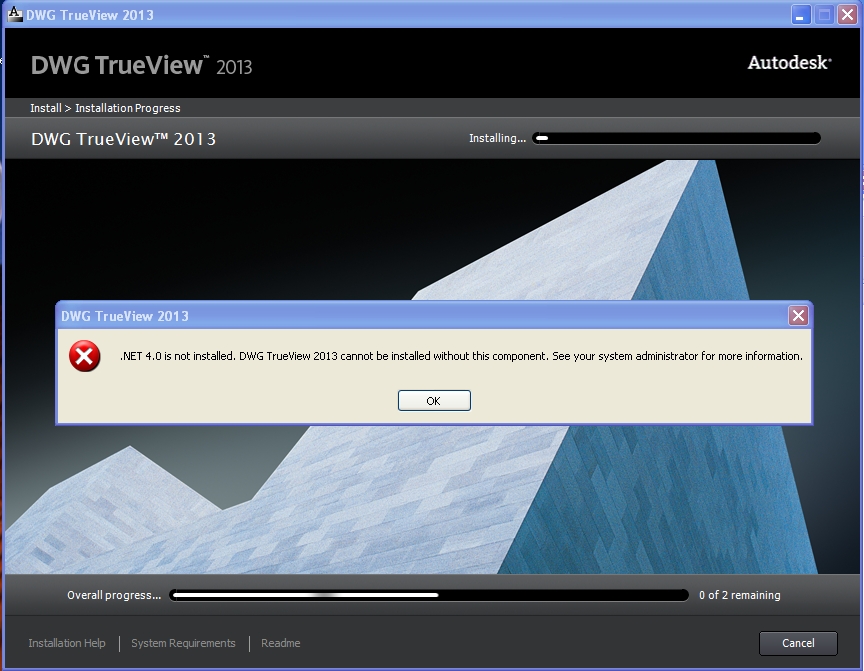
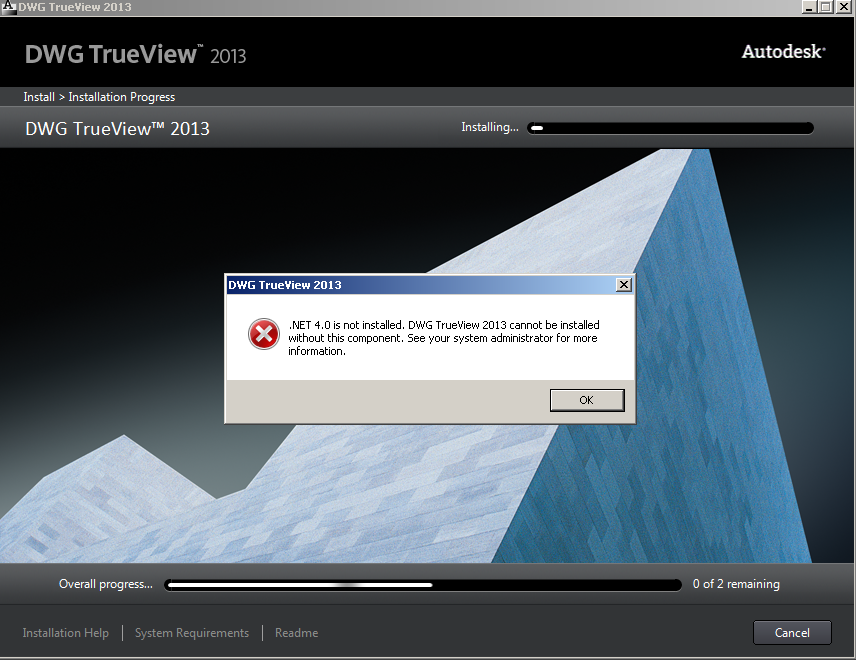
I have installed NDP40-KB2468871-v2-x86.exe and dotNetFx40_Client_x86_x64.exe from Microsoft and I still get the message that ".NET 4.0 is not installed" Operating system is Vista Business with SP1 and fully patched. What is wrong with TrueView 2013?
See log and captured window attached.
Regards,
Paul
Message 14 of 44
10-30-2012
10:33 AM
- Mark as New
- Bookmark
- Subscribe
- Mute
- Subscribe to RSS Feed
- Permalink
- Report
10-30-2012
10:33 AM
After my previous reply, I tried installing .NET 4.0 using the online installer ("dotNetFx40_Full_setup.exe" 869KB) After running this installer, I tried the TrueView 2013 installation, and this time it finished the installation without errors.
Paul
Message 15 of 44


11-05-2012
06:54 AM
- Mark as New
- Bookmark
- Subscribe
- Mute
- Subscribe to RSS Feed
- Permalink
- Report
11-05-2012
06:54 AM
Though I realize this issue is closed, with a solution, I would like to post the solution that worked for me as well. I too had fully functioning .NET 4.0 and TrueView errored out on installation. I installed a trial version of the full ACad 2013 in order to do some last minute file conversion. I noticed that where TrueView was hanging up, ACad modified the file and continued through. Thus, after installation I decided to try True View again, and to my great surprise, it worked. So AutoDesk has included in one software package (ACad) the ability to address .NET framework packages and omitted or excluded it from the other (TrueView).
My steps, whether quicker or slower.
1. Install the full (trial) version of AutoCad 2013
2. Install True View 2013 again.
3. At some future point uninstall the AutoCad software. It does not cause any problems on the machine running two versions of the same program. Just don't select 2013 as the default program for opening .DWG files.
Message 16 of 44
Anonymous
in reply to:
Anonymous
11-28-2012
08:52 AM
- Mark as New
- Bookmark
- Subscribe
- Mute
- Subscribe to RSS Feed
- Permalink
- Report
11-28-2012
08:52 AM
After following all of the advice here--trying the "full" install of NET 4.0 and installing ACAD 2013 trial, I noticed while installing the trial it installed KB2468871. After searching Microsoft's website and retrieiving that, I installed it on another machine with NET 4.0, no Autocad and installed TruView 2013 easily.
So, in short, if you get KB2468871 from Microsoft (and have NET 4.0 already installed), you should be able to install Tru View 2013 without a hitch.
Now if I could just get those 3 hours of my life back.
Message 17 of 44
06-20-2013
12:10 PM
- Mark as New
- Bookmark
- Subscribe
- Mute
- Subscribe to RSS Feed
- Permalink
- Report
06-20-2013
12:10 PM
Wow...this is so frustrating. I have basically spent all morning trying to get this veiwer to install.
First download the Autocad Trueviewer, get it onto the machine that requires it (no Internet on that PC)
Run the installer: extracting files takes 10 min. Continue setup until I hit the .net requirement. Cancell the install.
Download the .net 4 package, get it onto the machine, run it and install, this take another 15-20 min.
Run trueview installer again, and again its has to Extract files to the same frigging folder it did the first time. another 10min.
get to the .net 4 requirement, see it now needs .Net SP1, try finding that, another 20 min. Download some obscure .net 4 package as noted here, NDP40-KB2468871-v2....
Run this .net4........still working on this
then I will run the autocad installer again, and guess what, it will want to extract the files yet again, another 10 mins wasted. Wow...this computing is getting past a joke.
Hard to undertsand how a simple viewer could be so darn impossible to install.
3hrs invested and it's still not installed.
Message 18 of 44
Anonymous
in reply to:
Anonymous
06-20-2013
01:31 PM
- Mark as New
- Bookmark
- Subscribe
- Mute
- Subscribe to RSS Feed
- Permalink
- Report
06-20-2013
01:31 PM
Sorry, I see I mentioned Trueveiwer 2013, but it's actually 2014 that I am trying to get installed.
Anyway, carried on with my Install as posted previously. Install the .net flavor NDP40-kb.... bla bla bla. to get .Net4 SP1 as required.
Start the Trueveiw install for the third time. This time it moves forward past the initial error when .net was not installed.
Installation path is listed, yup......"install". Installing, overall progress 1 of 3, then 2 of 3, then 0 of three and an error message.
>.Net4 is not installed. TrueView 2014 cannot be insalled without this component. See your system administrator.
Holy......I wish I wasn't the sys admin, but I am. so now what. This is utterly friggin ridiculous.
This is my fourth try at getting this installed.
All I want to do is look at a dwg drawing. I do not want to draw, edit, add, subtract or otherwise make any notations to it.
I'll post back when I have stopped shaking my head in disbelief.
So now 4 HOURS spent on something that should have taken 10 min. Who's paying my wage??
Message 19 of 44
06-20-2013
02:44 PM
- Mark as New
- Bookmark
- Subscribe
- Mute
- Subscribe to RSS Feed
- Permalink
- Report
06-20-2013
02:44 PM
I feel your pain. I too am system admin (out of the five of us). I hate it when the program tells me to talk to myself; moreso when I haven't a clue what it wants. That being said, here might be a few options.
1. Try the install full acad trial I mentioned above. My belief is that the installer package is much more powerful and capable of integrating necessary components into the computer. Once said components are in, it make installation of the weaker package (TrueView) possible. This worked well for me. I don't know if lack o' interwebs will affect this. The fun part is you'll spend another hour getting that colossal program installed.
2. Internet search for a free viewer? I don't always subscribe to this route but found a list of some pretty quick.
3. Autocad WS Portable? I have this on my phone for fun. Its a pain getting drawings to the device, if they aren't floating in a cloud, but it does let you look through drawings. Wait, I'm rambling. The folks at sourceforge apparently have WS that can be installed on a desktop system, so they say and back it up with screen shots. You get to use your login for these forums to access WS.
Good luck.
Message 20 of 44
06-20-2013
03:47 PM
- Mark as New
- Bookmark
- Subscribe
- Mute
- Subscribe to RSS Feed
- Permalink
- Report
06-20-2013
03:47 PM
As yes......I have looked for other viewers. Let me say for others that Free DWG Viewer from Bravia, is NOT free.
eDrawings is, and works.
Autocad WS Portable looks like a good one too, which I will try.
I appreciate that.
I will NOT go the route of Autocad Full so it can install required library's etc. and have gone the way of FREE and PAINLESS.
There is by far, too much Pain in being an IT admin these days, as a lot of programs seem to get more complicated and convoluted as time goes by.
No specific blame, but MS and Java are hard to ignore.
Going on holidays tomorrow, so this guy can get some well deserved R&R, far away from "WINDOWS" .NET4 SP1 nightmare's.
Tks
Reply
Topic Options
- Subscribe to RSS Feed
- Mark Topic as New
- Mark Topic as Read
- Float this Topic for Current User
- Bookmark
- Subscribe
- Printer Friendly Page