Workflow editor Save error

Workflow editor Save error

scottmoyse
Mentor Mentor
1,736 Views
9 Replies
Message 1 of 10

Workflow editor Save error

scottmoyse
Mentor
Mentor

I'm trying to recreate a workflow, I've purged all the items from the workspace. but I get the following error whenever I try to save it:
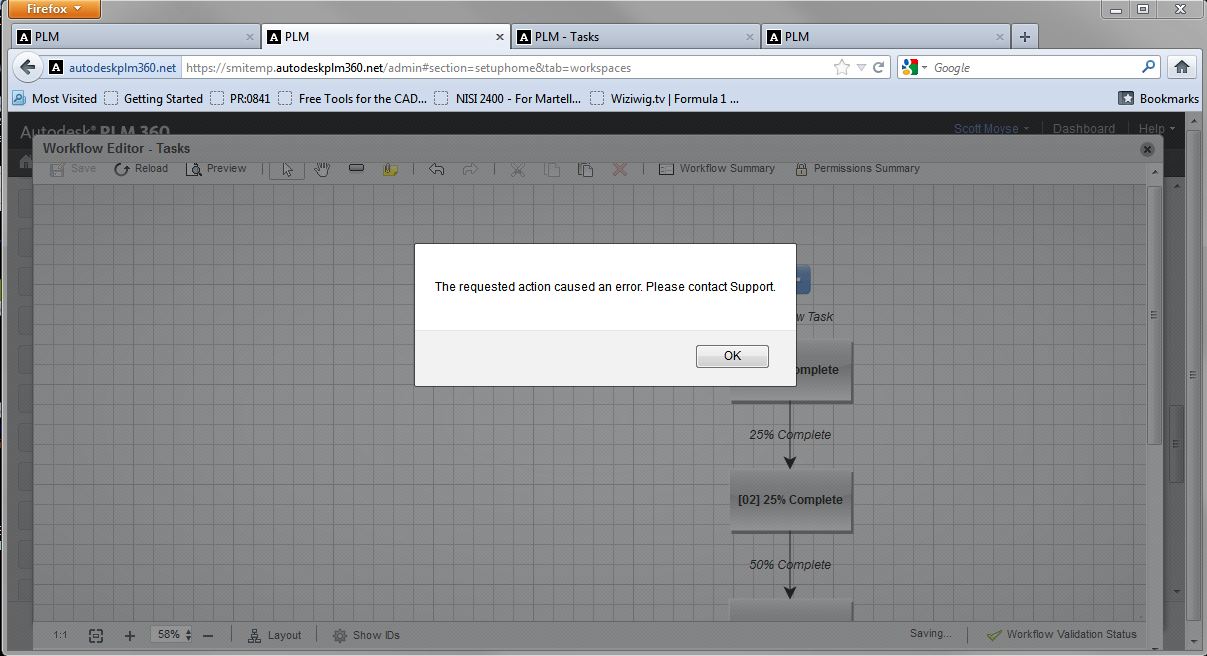
Capture.JPG


The only way I can save it is if I delete all the states. 


I have tried deleting the transitions & states one by one but they all seem to be having the save effect & I can't save.


there aren't any scripts etc, & I have a generic permission setup for the transition. What could be causing this? My other workspace workflows seems to edit just fine.


Scott Moyse
Did you find this post helpful? Feel free to Like this post.
Did your question get successfully answered? Then click on the ACCEPT SOLUTION button.


EESignature


RevOps Strategy Manager at Toolpath. New Zealand based.

Co-founder of the Grumpy Sloth full aluminium billet mechanical keyboard project

0 Likes
Accepted solutions (1)
1,737 Views
9 Replies
Replies (9)
Message 2 of 10

JohnCHill
Alumni
Alumni

Hi Scott,


I'll do some testing, see if I can duplicate this error and then get back to you.


John Hill
Support Specialist
Product Support
Autodesk, Inc.
0 Likes
Message 3 of 10

JohnCHill
Alumni
Alumni
Accepted solution

Scott,


I'm unable to reproduce the error in my testing.  Can you try cloning that workspace and then recreate the workflow and let me know your results?


Thank you,


John Hill
Support Specialist
Product Support
Autodesk, Inc.
0 Likes
Message 4 of 10

scottmoyse
Mentor
Mentor

Yes cloning it allowed me to create the workflow. So I had to delete the old one, but didn't transfer the roles first! Duh...


Scott Moyse
Did you find this post helpful? Feel free to Like this post.
Did your question get successfully answered? Then click on the ACCEPT SOLUTION button.


EESignature


RevOps Strategy Manager at Toolpath. New Zealand based.

Co-founder of the Grumpy Sloth full aluminium billet mechanical keyboard project

0 Likes
Message 5 of 10

JohnCHill
Alumni
Alumni

Glad the Workflow is now operational for you.


Thanks for the post.


John


John Hill
Support Specialist
Product Support
Autodesk, Inc.
0 Likes
Message 6 of 10

JJ-arcosa
Contributor
Contributor

I'm having this exact same issue this morning except my workspace is already in use so the option of cloning is not going to work. I tried recreating the issue in my sandbox and am unable to recreate it. How can I get this resolved?

0 Likes
Message 7 of 10

JohnCHill
Alumni
Alumni

Hello,


Please delete the states and transitions from your workflow producing the error and save it.   Then copy and paste the workflow from your sandbox.  Please let me know if you are then able to save your workflow.


John


John Hill
Support Specialist
Product Support
Autodesk, Inc.
0 Likes
Message 8 of 10

JJ-arcosa
Contributor
Contributor

I'm afraid that didn't work and now I have no workflow at all. I tried just creating states and not copying them and I still have the same error.

0 Likes
Message 9 of 10

JohnCHill
Alumni
Alumni

I've opened a support case for this issue and will be sending you email shortly.


John


John Hill
Support Specialist
Product Support
Autodesk, Inc.
0 Likes
Message 10 of 10

Anonymous
Not applicable

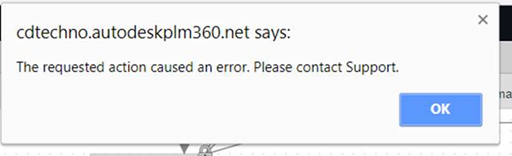
I am having the same error and like JJ my workspace is already in production so deleting it and cloning it isn't an option. What was the solution that was provided to JJ? Below is the error I receive anytime I try to save changes to the workflow for one particular workspace.

image.png


Any support would be greatly appreciated.


Thanks,


~Nick

0 Likes