• Industries
  • Products
  • Buy
  • Services & Support
  • Communities
  • Discussion Groups

    Autodesk Inventor Customization

    Reply
    Active Member
    XtremWize
    Posts: 8
    Registered: ‎04-13-2011

    Little problem with Autodesk Inventor on laptops

    231 Views, 2 Replies
    04-23-2011 01:59 AM

    Hi,


    I have a problem with Autodesk Inventor Professional Suite 2011 x64 (Spanish version).
    I use the program on a desktop and a laptop, and that's where the problem is. I work a lot with my laptop for mobility reasons because I have my clients scattered. The problem is that the laptop screen has a maximum resolution of 1366 x 768 and is complicated to find one with higher resolution, the whole program works correctly except the tools section where I cannot save the modified parameters in the application options window.
    I know that Autodesk Inventor 2012 already solved this problem and reduced the application options window, my question is: Is there any possibility to change or modify this on the 2011 version?


    Thanks.
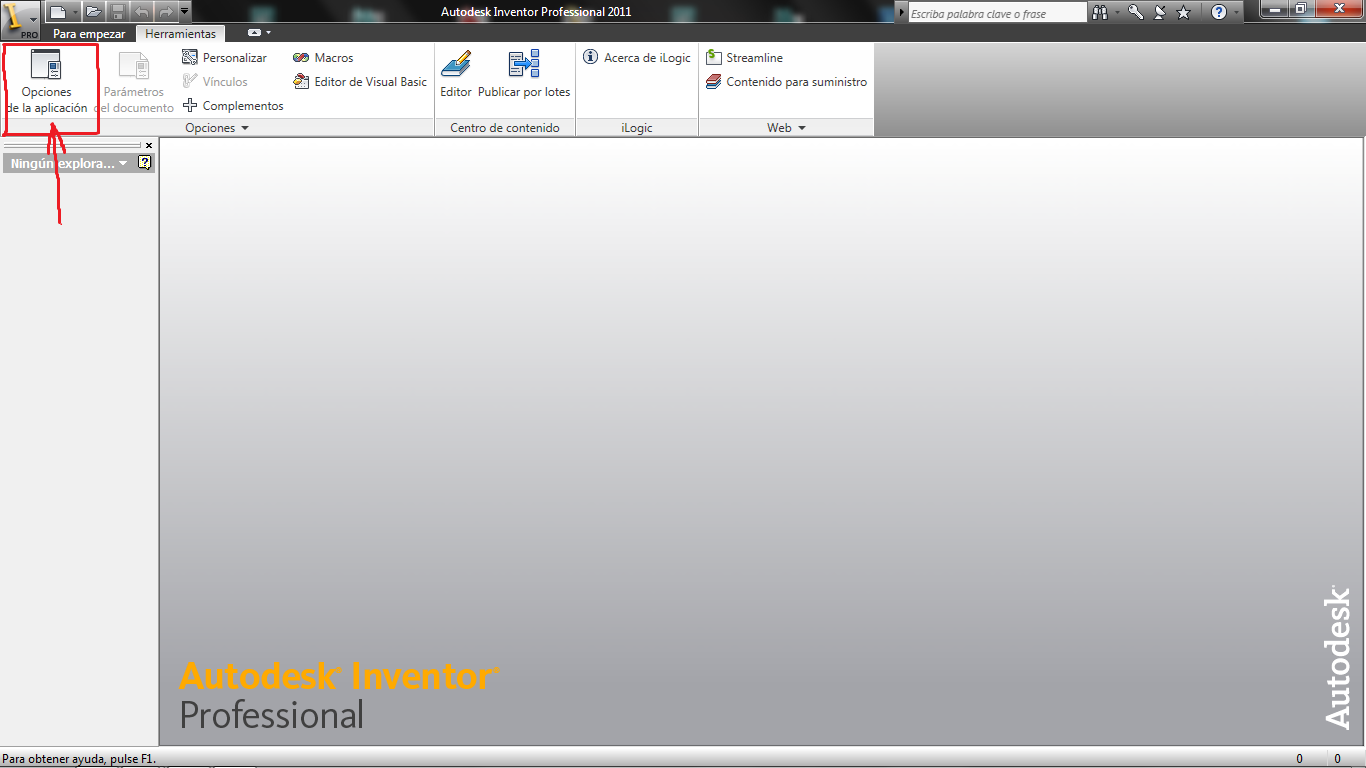
    imag.1.pngimag.2.png

    Please use plain text.
    Valued Mentor
    Mike.Wohletz
    Posts: 351
    Registered: ‎07-29-2008

    Re: Little problem with Autodesk Inventor on laptops

    04-24-2011 04:39 PM in reply to: XtremWize

    You can right click on the top or edge and select move and then use the arrow keys to move the window so that you can select the buttons on the bottom.


    This can also be done by pressing ALT+SPACE BAR and then M -> ENTER and then use the arrow keyz to move the window.


    Please use plain text.
    Active Member
    XtremWize
    Posts: 8
    Registered: ‎04-13-2011

    Re: Little problem with Autodesk Inventor on laptops

    04-25-2011 01:31 PM in reply to: Mike.Wohletz

    Hello Mike,


    I've tried this before but when I move the mouse the window immediately returns to its previous position and is unable to activate or save the parameters.

    Greetings and thanks in advance.


    Please use plain text.