Message 1 of 3
Little problem with Autodesk Inventor on laptops

Not applicable
04-23-2011
01:59 AM
- Mark as New
- Bookmark
- Subscribe
- Mute
- Subscribe to RSS Feed
- Permalink
- Report
Hi,
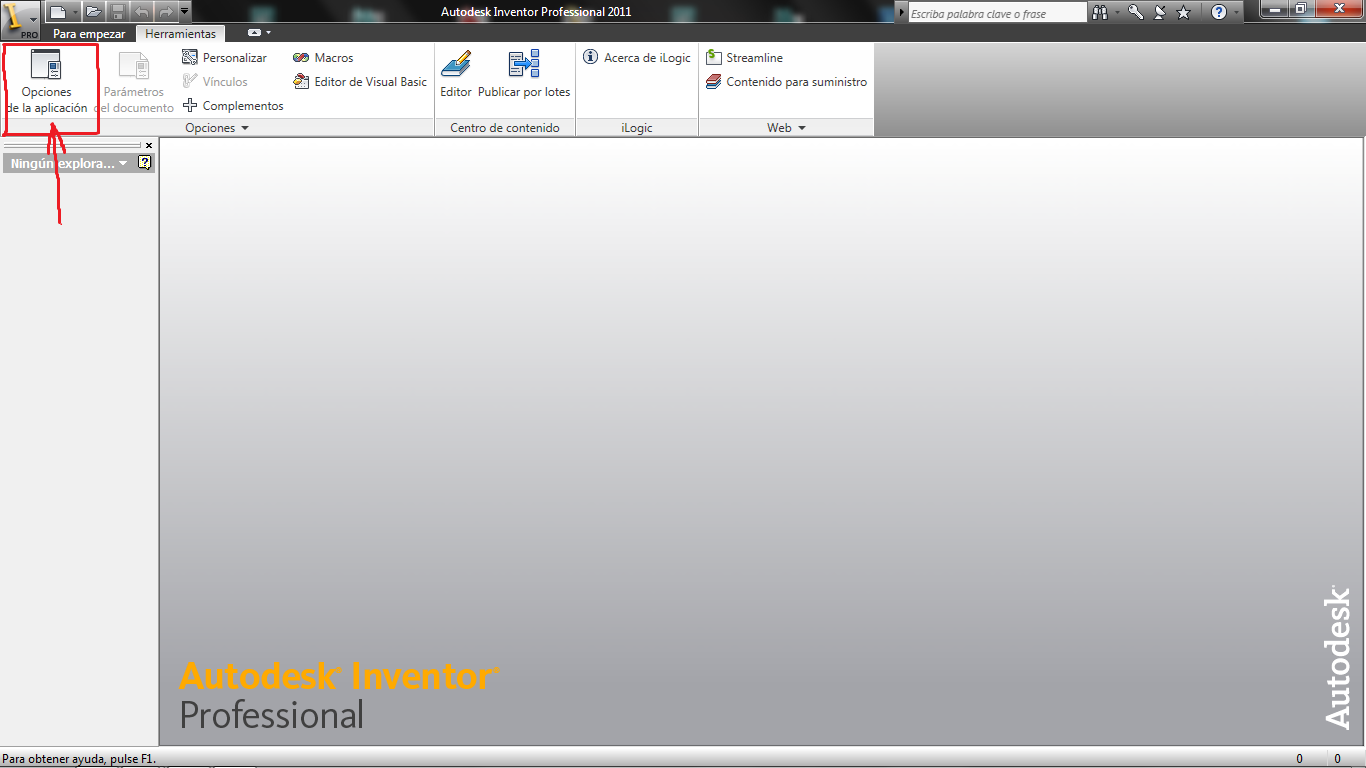
I have a problem with Autodesk Inventor Professional Suite 2011 x64 (Spanish version).
I use the program on a desktop and a laptop, and that's where the problem is. I work a lot with my laptop for mobility reasons because I have my clients scattered. The problem is that the laptop screen has a maximum resolution of 1366 x 768 and is complicated to find one with higher resolution, the whole program works correctly except the tools section where I cannot save the modified parameters in the application options window.
I know that Autodesk Inventor 2012 already solved this problem and reduced the application options window, my question is: Is there any possibility to change or modify this on the 2011 version?
Thanks.