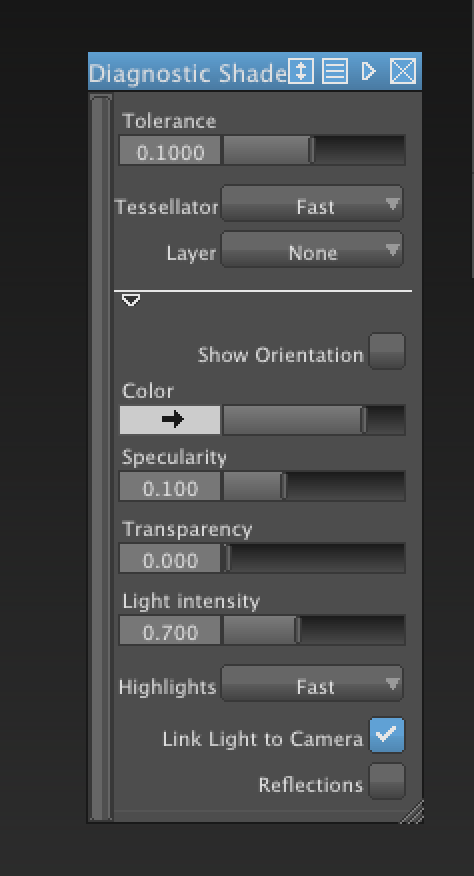
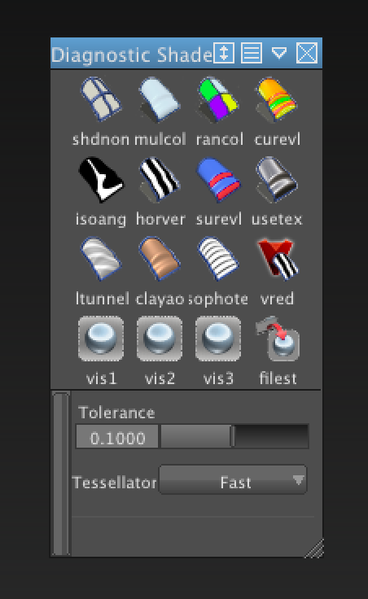
In 2013 toggling to 'default' no longer briings up shaders and visual states docked inside the 'Control Panel'. Anyways, toggling over to default every time I want to shade would be a pain...
However, one can now middle mouse drag a shader into their pallete or shelf. So pull down 'Object Display' > 'Diagnostic Shading...'. When that window opens you can mmb drag the shader to wherever you like, even your 'Marking Menu'.
If you can't see the 'Diagnostic Shading...' make sure you have long menus truned on, Preferences> Menus> Long Menus
A little on this, you can also customize the settings and create different ones.
http://wikihelp.autodesk.com/Alias/enu/2013/Help/0124-Autodesk124/0174-Interfac174/0260-Customiz260/...
When you are done close out the "Diagnostic Shading...' window for a clutter free workspace.