- Mark as New
- Bookmark
- Subscribe
- Mute
- Subscribe to RSS Feed
- Permalink
- Report
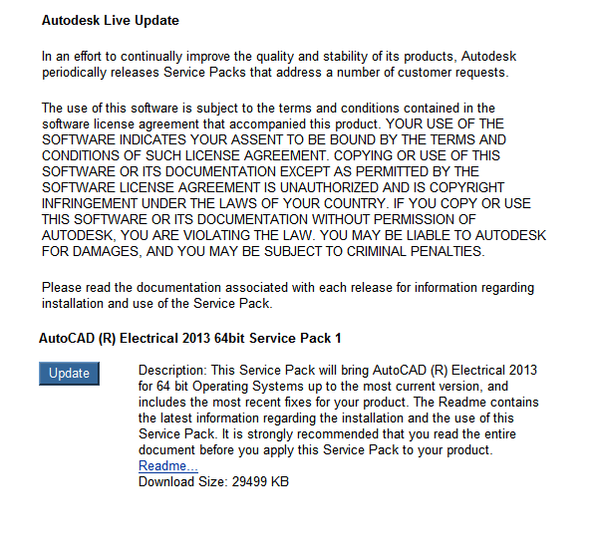
I'm trying to install service pack 1 of Autocad Electrical 2013 64 bit from the Stay Connected drop down icon within AE2013. As suggested in the Read Me file, I do not click the "Automatically close applications and attempt to restart them after setup is complete" option. Instead, close AutoCAD Electrical manually, and click the "Do not close applications. (A Reboot may be required.)"
After a while I get an error...
"A problem prevented the service pack from being installed. Contact your system administrator. Error code 1603.
Does anyone have any idea what the error code is, and how I go about installing it in an alternative way. I looked on the subscription centre but the service pack update is not shown.
Solved! Go to Solution.