Deployment problems

- Mark as New
- Bookmark
- Subscribe
- Mute
- Subscribe to RSS Feed
- Permalink
- Report
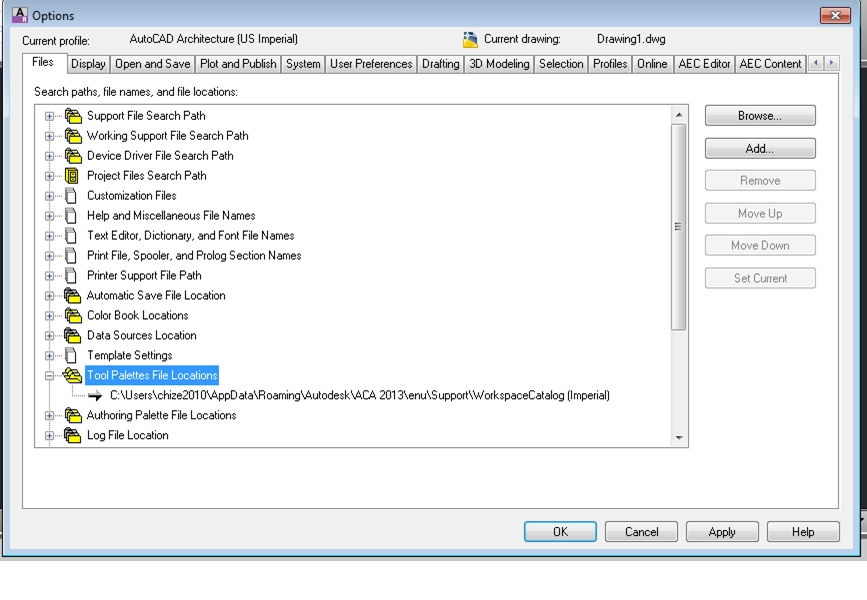
When creating a deployment, the paths do not change. For example, I go to create a deployment of autocad architecture 2013, then I go to the screen where you can customize the file paths. In the search paths and file locations screen I specify a file path for my QNEW template to a certain location.

Once I deploy Autocad Architecture, those file paths that I specified are erased and set back to the default settings. In other words, whatever file paths I customized are gone and the default locations are instead written in there. See below. Notice that when I open AutoCAD Architecture, the tool pallettes file locations are set back to the default settings. Any idea why these file paths are going back to the defaults once the deployment is done?